P11
Portable Digital Color Doppler Ultrasound System
image.
Min. Density Specifies the minimum density level of the film.
Max. Density Specifies the maximum density level of the film.
Border
Specifies the color of the border (
Black
or
White
) which fills the
gap between the images.
Empty Image Specifies whether to print Black or White empty images.
Color Specifies whether to print the images in color or grayscale.
Film Label Specifies a name to be applied to a group of the film labels.
Config. Info Specifies special image quality settings.
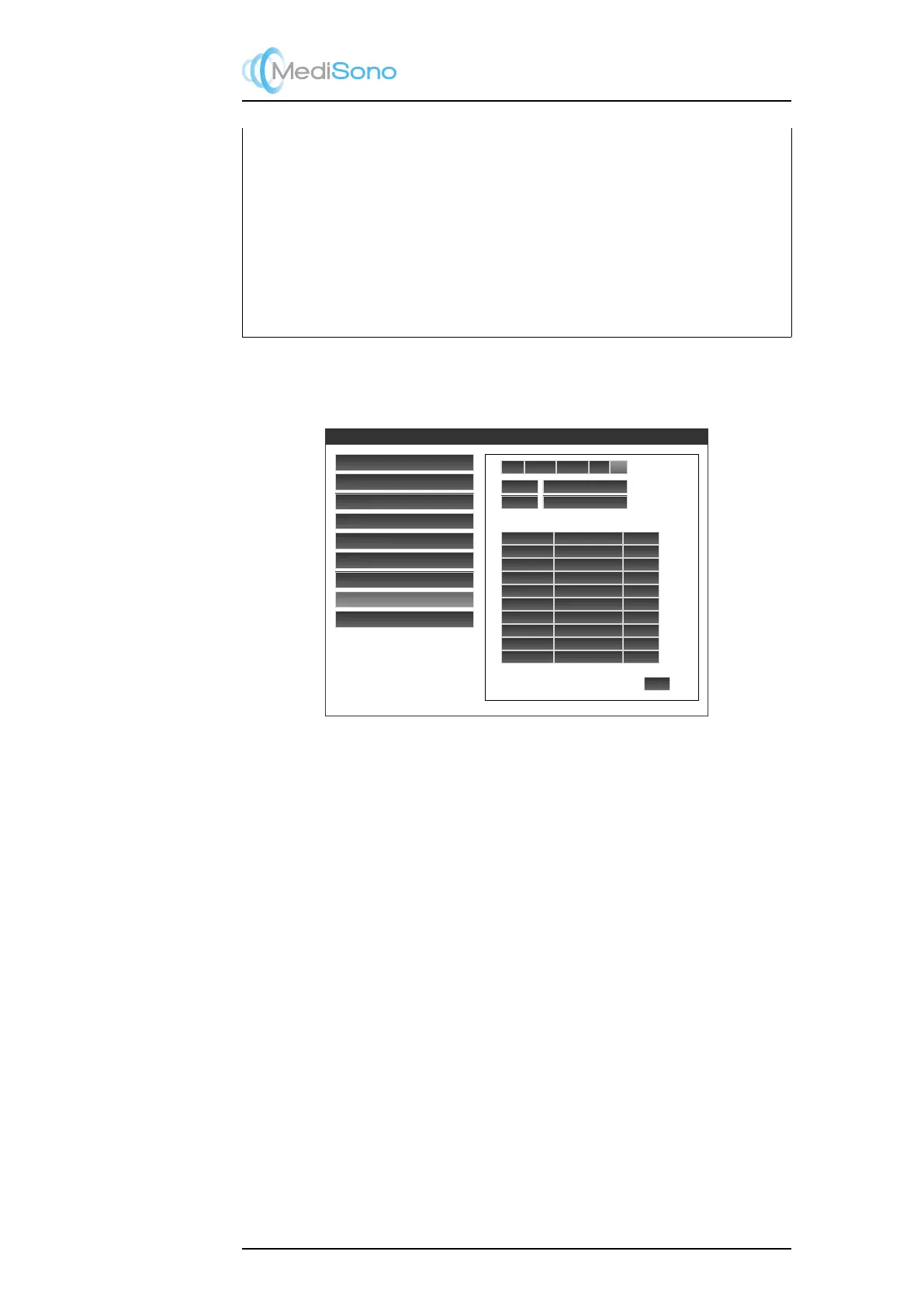
4.6.8.5 DICOM Log
Click the Log tab to find a log of DICOM transfer.
General Setting
Set Printer
Set Calculation Menu
Set Measurement Method
Annotation Edit
Define Quick Key
Load Default
DICOM Settings
Exit
Local
Storage
Worklist Print
Log
Retry Retry Failures
Delete
Delete Successes
ID
File Name
Status
patient_01 test1.ppm
Success
a2324
test2.ppm
Success
a2324
test3.ppm
Success
a2326
test4.ppm
Waiting
Figure 4.20: DICOM Setting: DICOM log
In the log field, ID is the patient ID associated with the image transferred.
Select an entry in the log and click
Retry to resend the image through DICOM, or
Delete to delete the entry from the log.
Click
Retry Failures
to resend all images that have been failed to be sent through DICOM.
Click Delete Successes to remove all entries for successfully transferred images.
4-19



 To Next Page