10
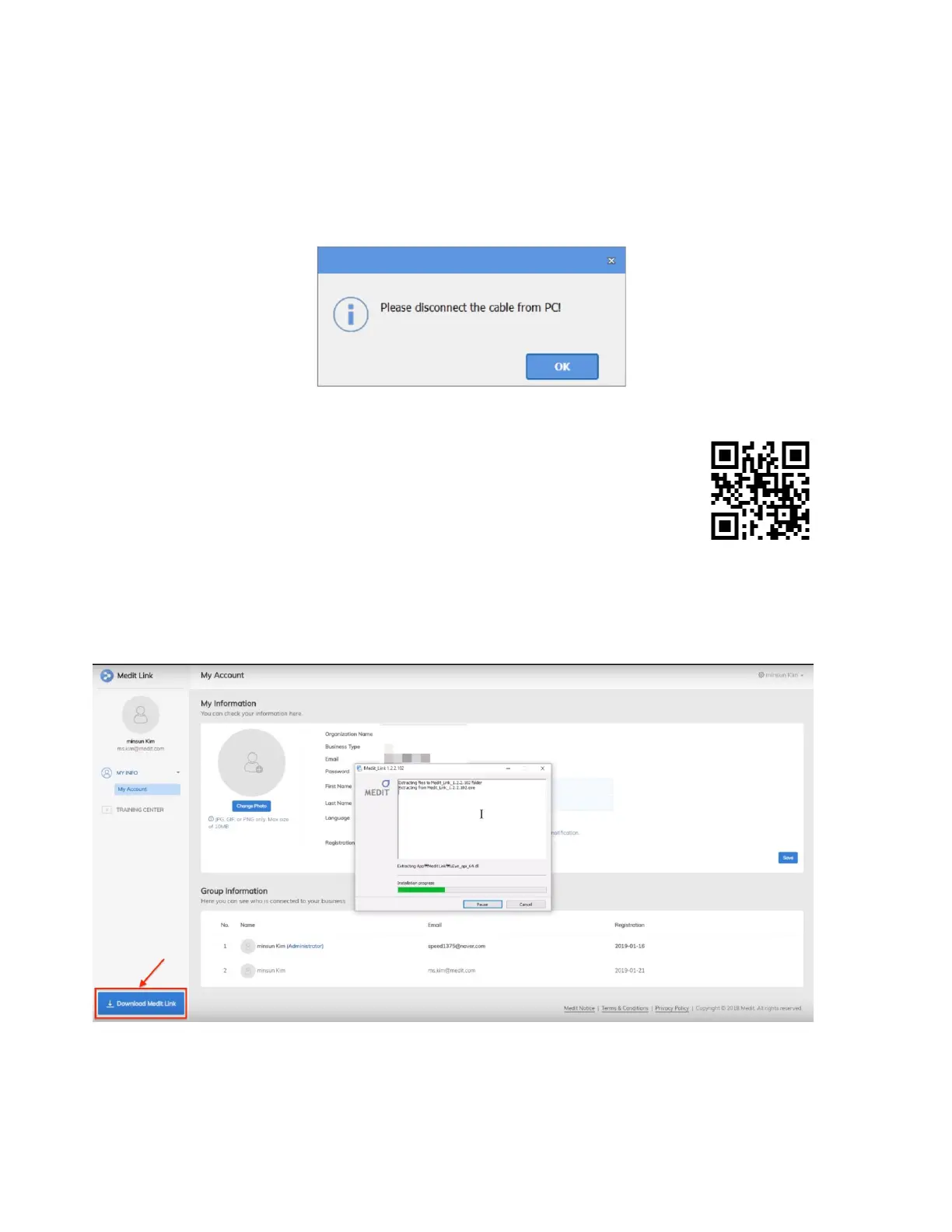
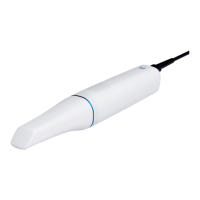
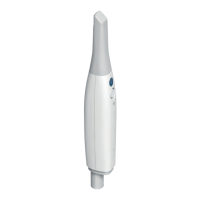
ii) Disconnect the i700's USB 3.0 cable from the computer before installation.
As the iScan program is enclosed in Medit Link, the installation will not proceed if the
i700 device is connected to the computer.
2. Installation guide
i) Prepare the Medit Link installer file.
The Medit Link installer is enclosed in the USB flash drive
included in the i700 package. Alternatively, you can also download the installer file
from www.meditlink.com. Log in to the Medit Link website and click the Download
Medit Link button at the bottom left of the page.


 To Next Page