23
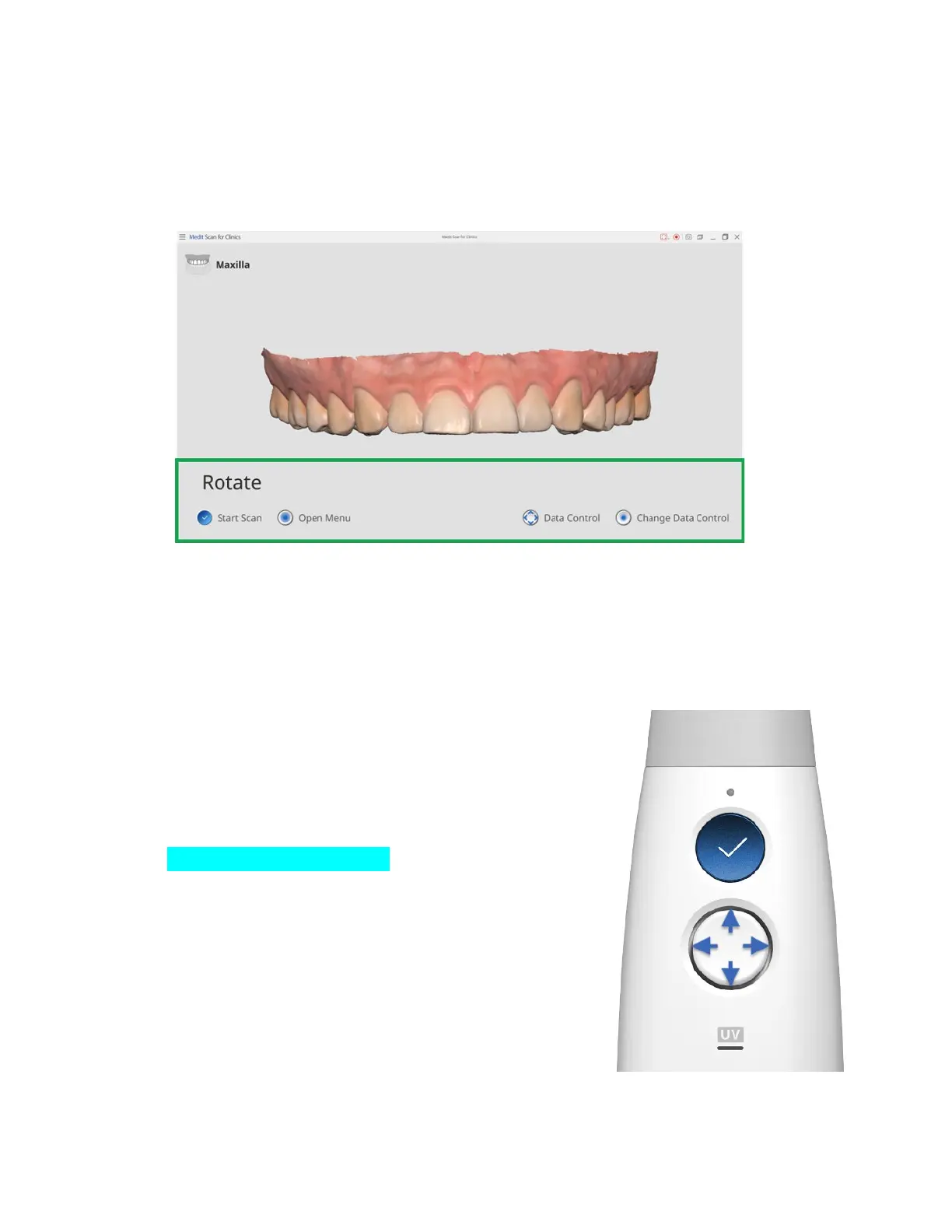
➤ After scanning, press the Control button to check the acquired scan data.
You can switch the view control between pan, zoom, and rotate by clicking the center of
the control button.
In a chosen view control, use the control pad as a directional pad to command the
panning direction, zoom in/out, or rotation.
For zoom fit, double-click the Control button.
➤ Hold the Scan button to open the Select Scan Stage menu.
Click the left side of the Control button to move to
the previous stage.
Click the right side of the Control button to move
to the next stage.
Scan stages can be changed by clicking up/down
on the Control button.
To confirm the scan stage, click the center of the
Control button.


 To Next Page