10 INSTRUCTIONS FOR USE
ENGLISH
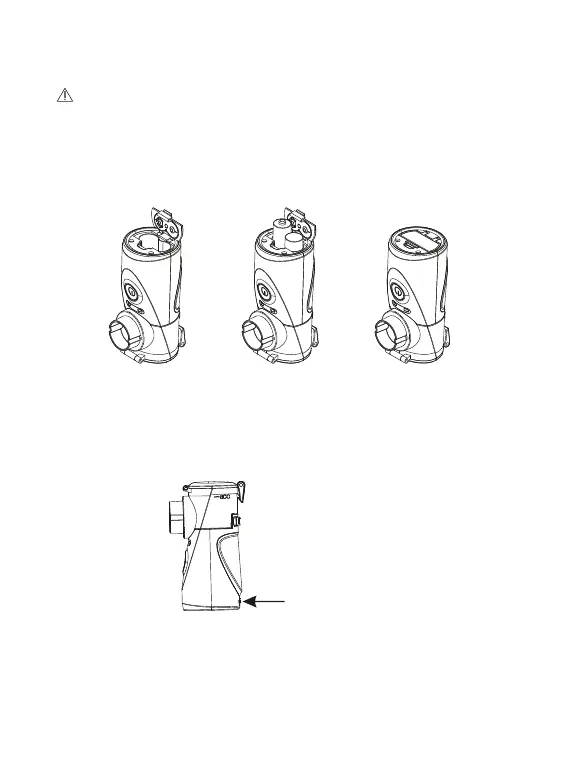
3.3 Inserting the battery or connecting to the power adapter
CAUTION: It is not possible to use the battery and the power adapter
at the same time!
3.3.1. Battery power supply
battery cover.
batteries, taking
care to match the
poles.
battery
cover.
3.3.2. Connecting to the power adapter
• Remove the DC input cover.
• Plug the cable into the USB power socket on the main unit.
• Plug the power adapter into a standard socket. The power adapter is
an optional accessory and is not included in the kit.
DC input cover



 To Next Page