Mega 105WR ADSL2+ Router - Easy Start Guide
24
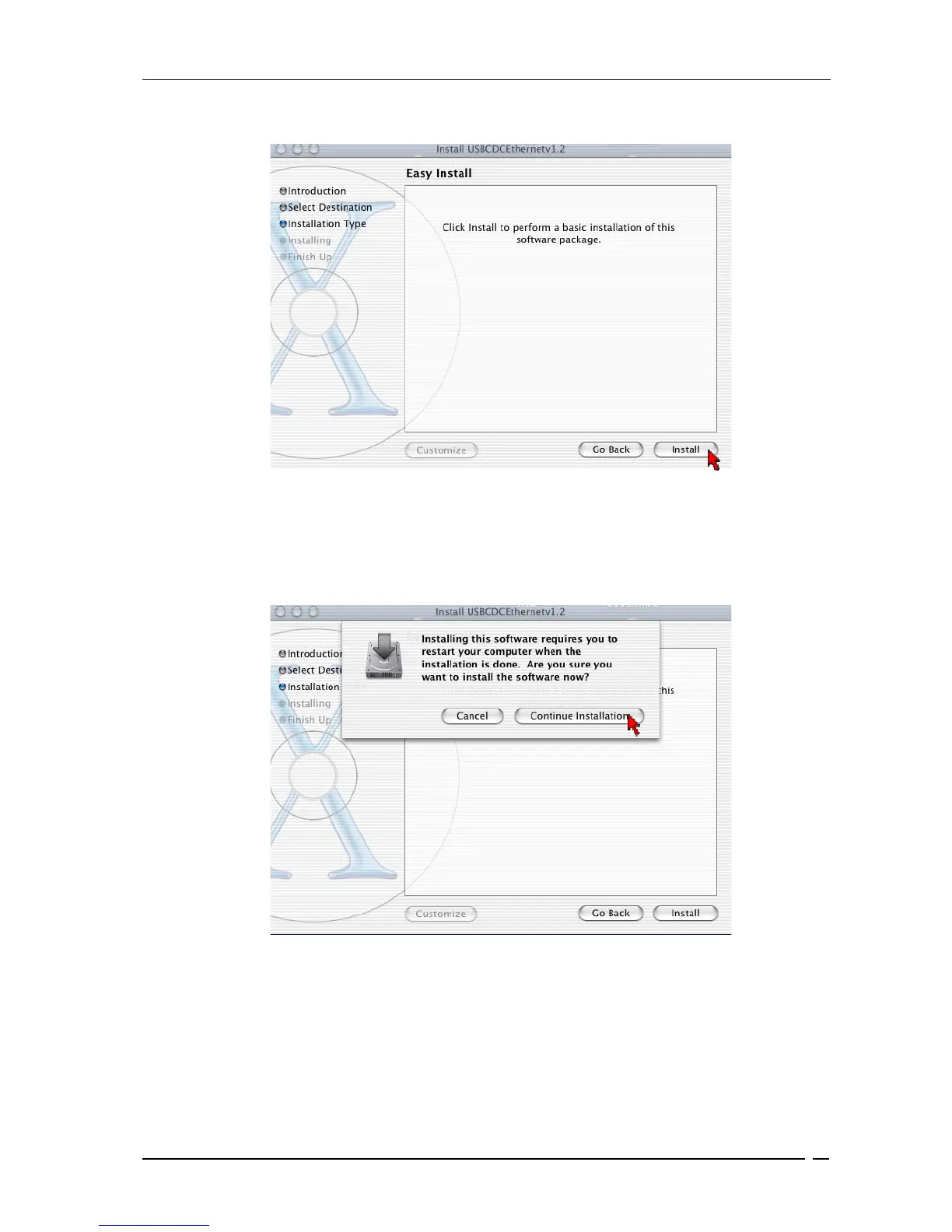
• Click Install on the screen shown in Figure 6-5 to perform the installation.
Figure 6-5 : Easy Install
• The system will prompt you to restart your computer when installation is completed. On
the screen shown in Figure 6-6, click Continue Installation to proceed.
Figure 6-6 : Continue Installation prompt



 To Next Page