Mega 105WR ADSL2+ Router - Easy Start Guide
25
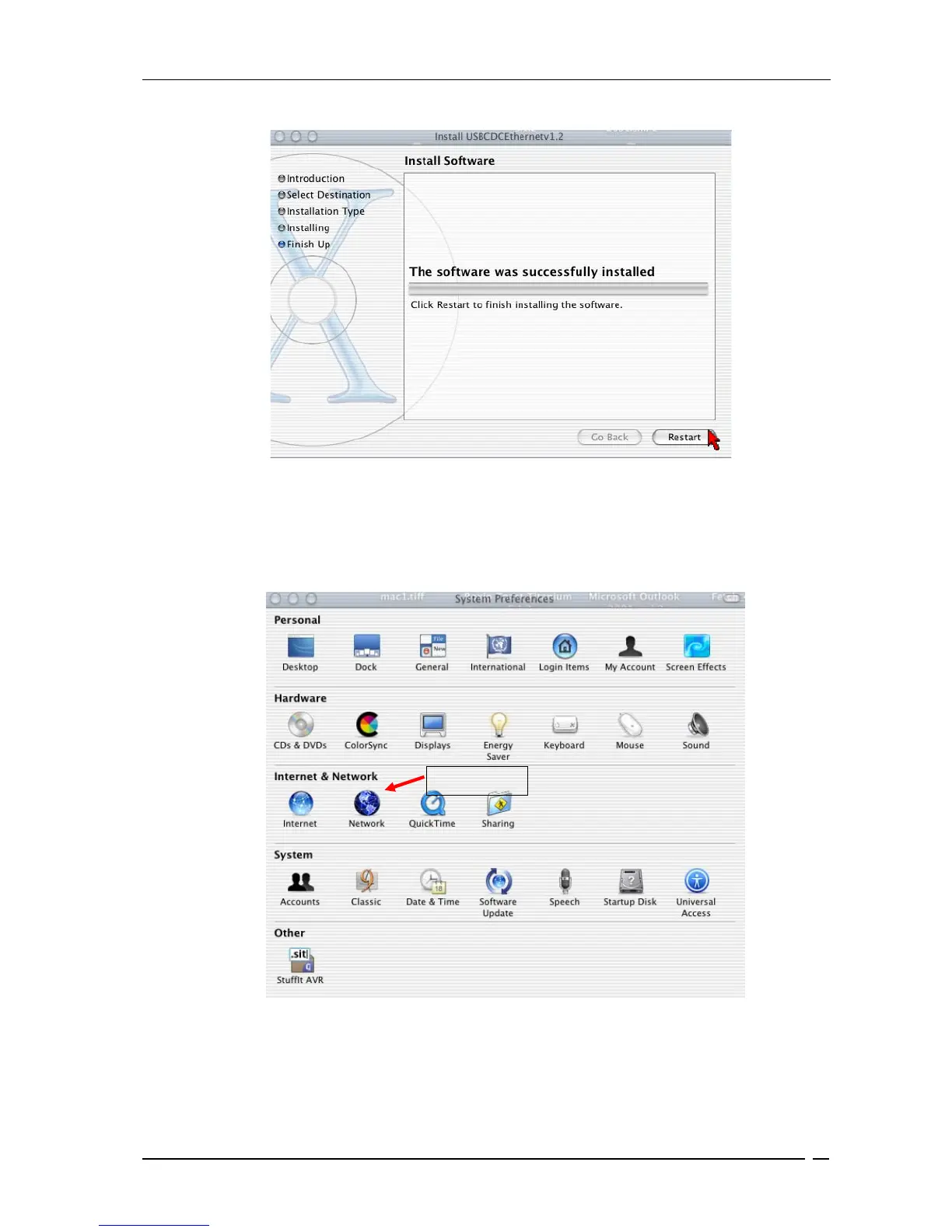
• In the screen shown in Figure 6-7 , click Restart to finish installing the software.
Figure 6-7 : Software installed successfully
• The system will reboot. Select System Preferences from the dock. Select Network, as
shown in Figure 6-8, to choose the network adaptor connected to the router.
Figure 6-8 : System Preferences
Select This



 To Next Page