Mega 105WR ADSL2+ Router - Easy Start Guide
34
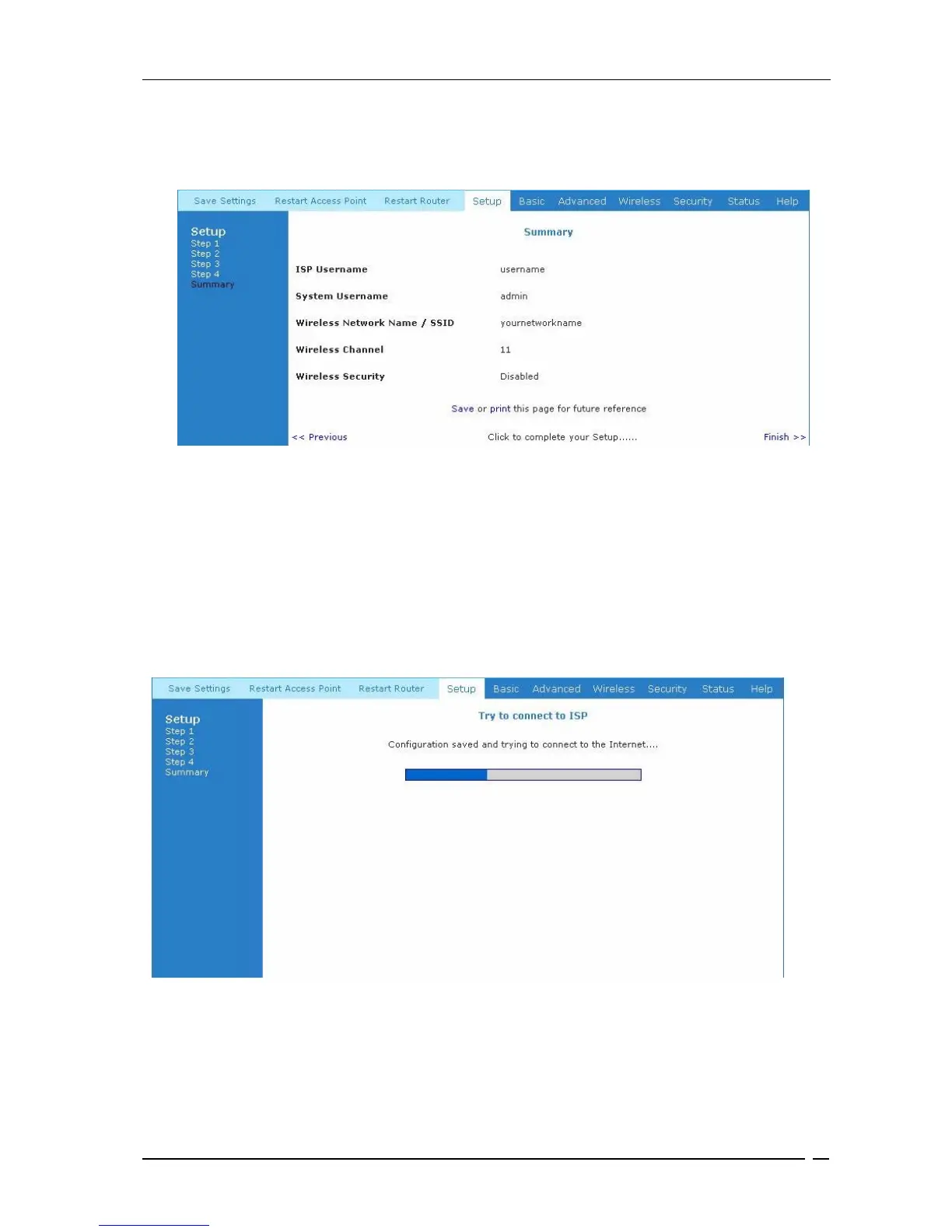
Figure 9-7 shows the summery of details that you will now be presented with.. It is advisable to
either Save or print out the summary information. Click Finish to complete the setup.
Figure 9-7 : Summary
Your information will be saved, and the progress bar shown in Figure 9-8 will be displayed to
indicate connecting process to the Internet.
Figure 9-8 : Connecting To ISP
Upon successful connection to the Internet, you will be asked to log in to your router again
(unless you disabled the login authentication in Figure 9-6) . Figure 9-9 will now be displayed.
Save and Print
Option
Click
Here



 To Next Page