Mega 105WR ADSL2+ Router - Easy Start Guide
35
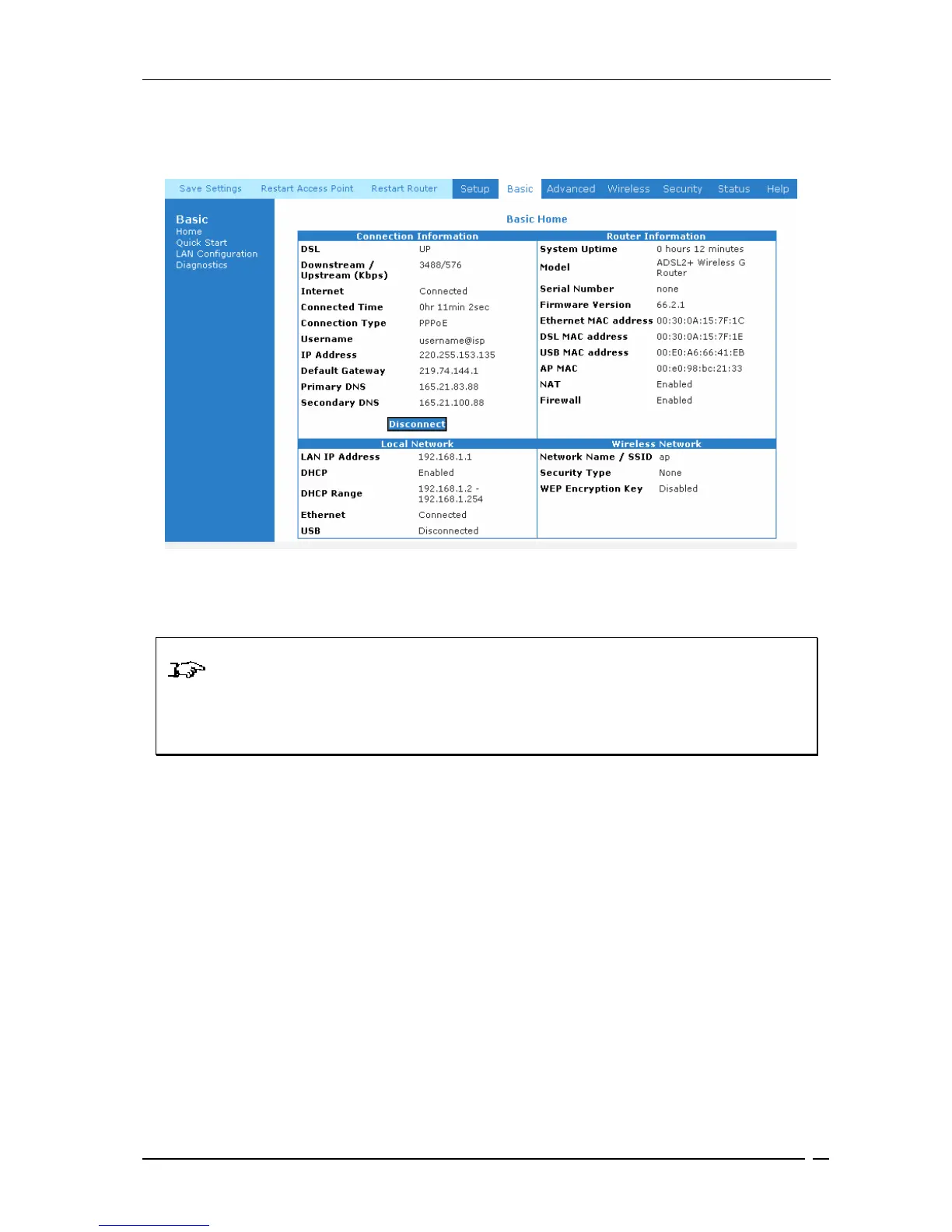
Figure 9-9 : Successful Connection
NOTE: the router’s Wi-Fi card is enabled by default, with WPA encryption (see
router’s base for default key. Should you wish to disable Wi-Fi or change the key, you will
need to do this manualy by selecting the wireless tab on Figure 6-10 and selecting the
security label
© Copyright 2CTelecoms March 2006. All Rights Reserved.
User@Ispname



 To Previous Page