www.megger.com
22
Tools
Tools
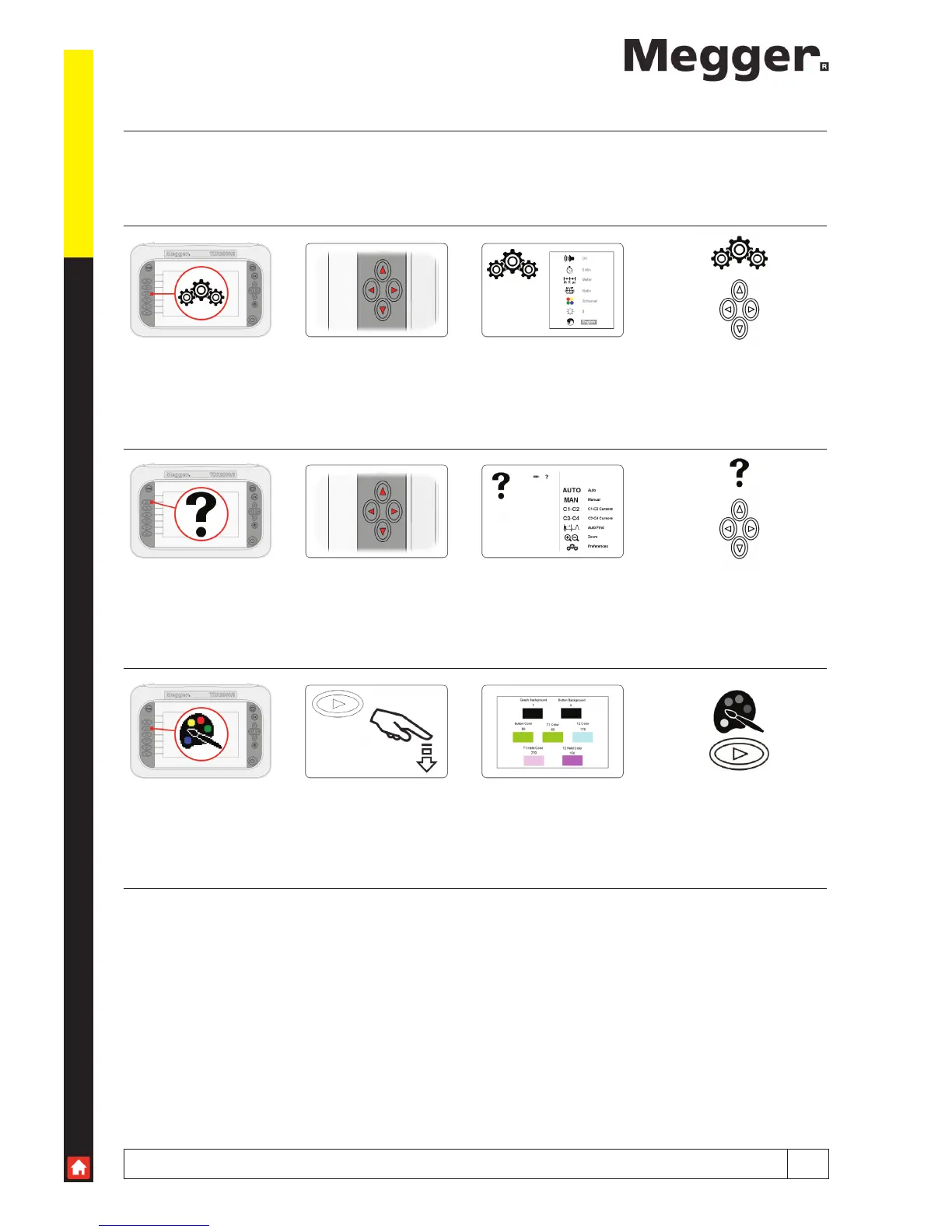
When in the Setup screen, access can be made to a selection of user tools. Within the tools function the user can change
basic settings and locate current instrument setup information.
Adjustable setting include Volume, Standby, Units of measure, NVP formats, Colour scheme, Brightness and Language.
Preferences Use cursor keys Up/Down to select
Left/Right to change
Help Use cursor keys Function information
Custom Press to select Left/Right to select
Up/Down to change



 To Next Page