Page 9 of 10
Selecting Predefined Cassette
The CF7000 has stored in memory a selection of predefined tube cassettes that
provide different payout options. (See table below).
By pressing the correct button code on the keypad you can select the required
payout option.
The correct button sequence code can also be found on the front label of the
cassette.
To select a predefined cassette, press the ‘Mode’ button then ‘D’ followed by the
button code.
Finally select ‘Accept’ from the menu to confirm and save.
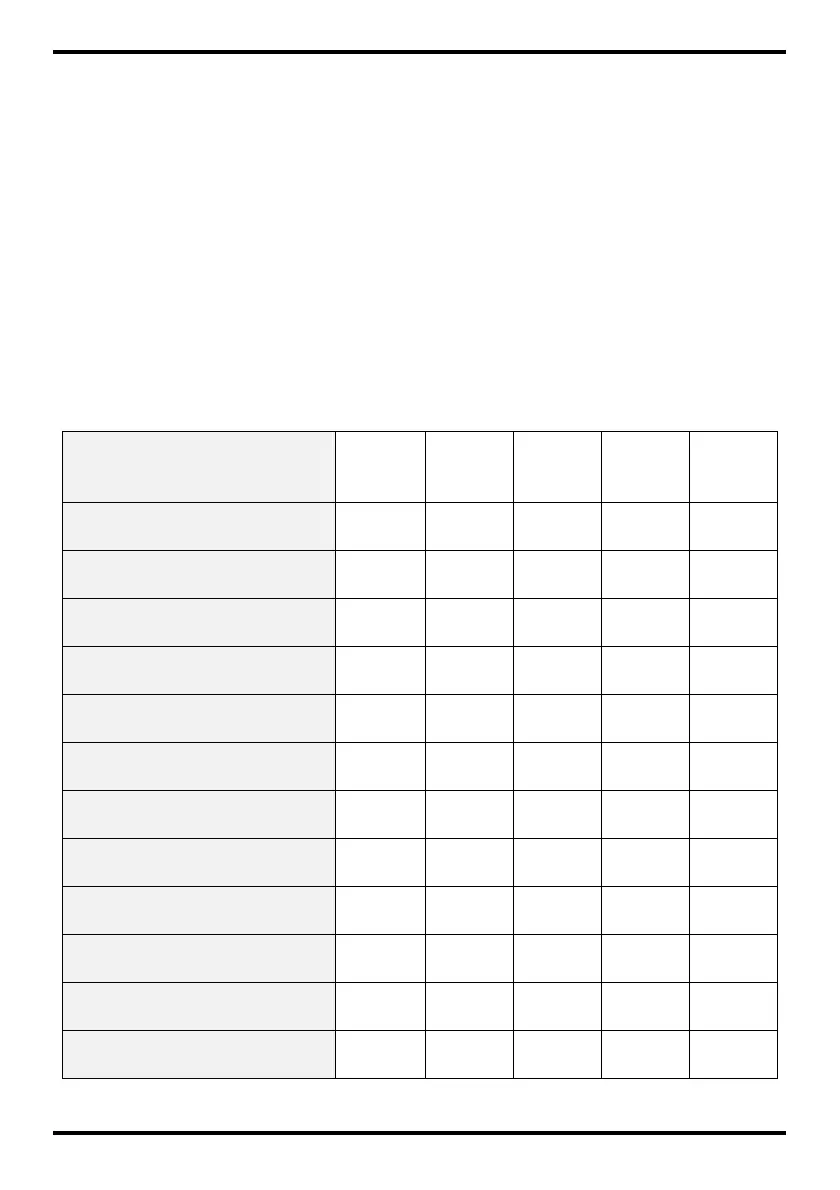
Button
Code
Tube A Tube B Tube C Tube D Tube E
AA 5c 10c 50c 20c 5c
AB 1c 10c 50c 2c 5c
AC 5c 10c 50c 20c 1
AD 5c 10c 50c 10c 1
AE 5c 10c 50c 10c 5c
BA 10c 10c 50c 10c 1
BB 10c 10c 50c 20c 1
BC 20c 10c 50c 1 2
BD 1 - 50c 1 2
BE 1 - 50c 2 2
CA 1c 10c 50c 1 5c
CB 20c 10c 50c 1 20c



 To Next Page