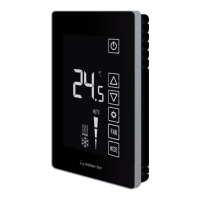
Operating instructions (Cont’)
Tel: +972-3-9626462
Fax: +972-3-9626620
support@meitavtec.com
FMT24-SUPER
Owner’s manual & Technnician Settings
Pg. 3
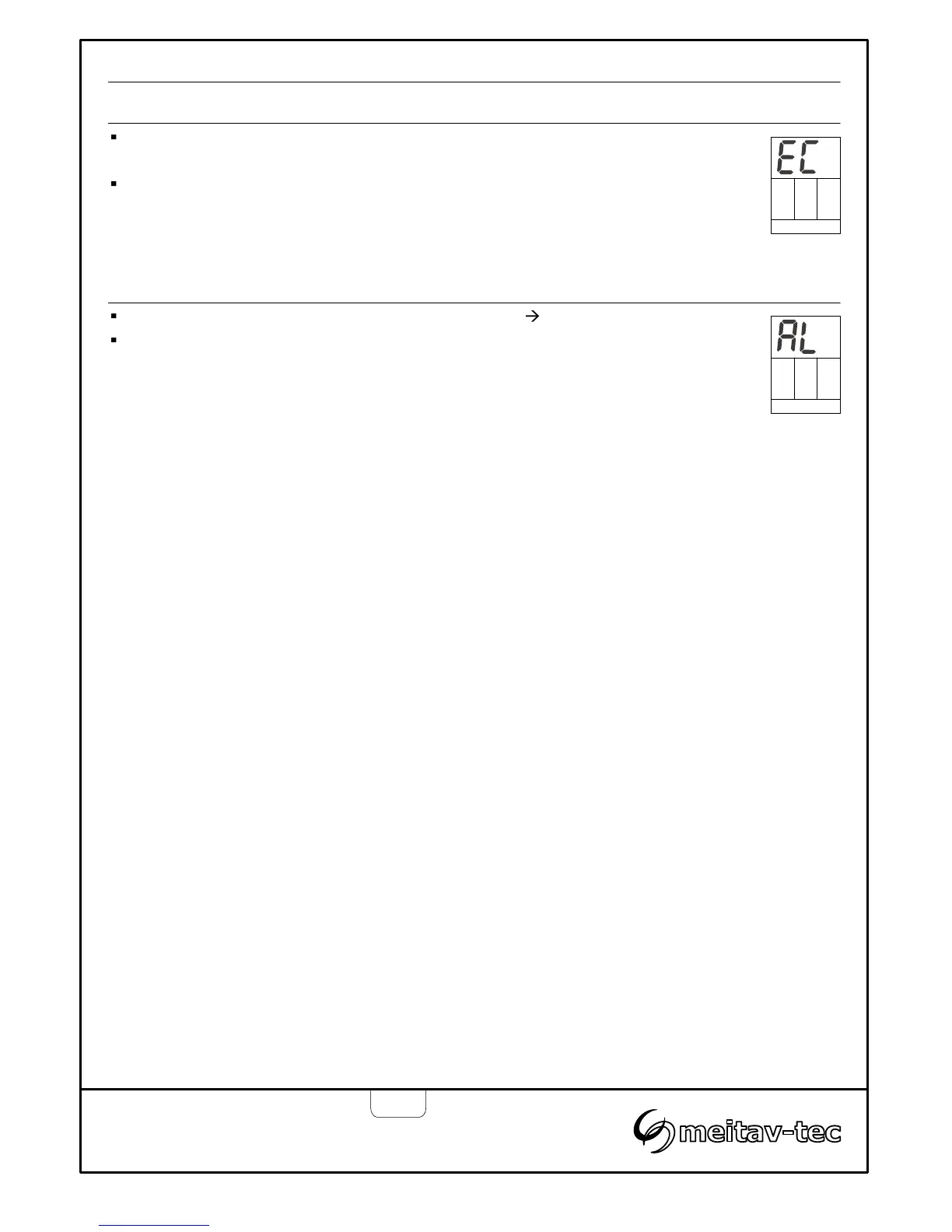
Press and hold the [ON] button (5 seconds) to activate economy mode –
“EC” will appear on display.
Press and hold the [ON] button again to return to normal display.
Note: In economy mode, the set-point temperature for cooling = 29°C (85°F)
and the set-point temperature for heating = 13°C (55°F).
Economy mode
When the measured temperature is less than 6°C (45°F) “AL” will flash.
The indication will automatically disappear when the measured temperature is
higher than 8°C (48°F).
Low temperature alarm indication
Emergency
heat
Economy
mode


 To Next Page