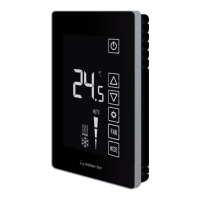
Technician Settings
Tel: +972-3-9626462
Fax: +972-3-9626620
support@meitavtec.com
FMT24-SUPER
Owner’s manual & Technnician Settings
Pg. 6
Enter technician settings mode
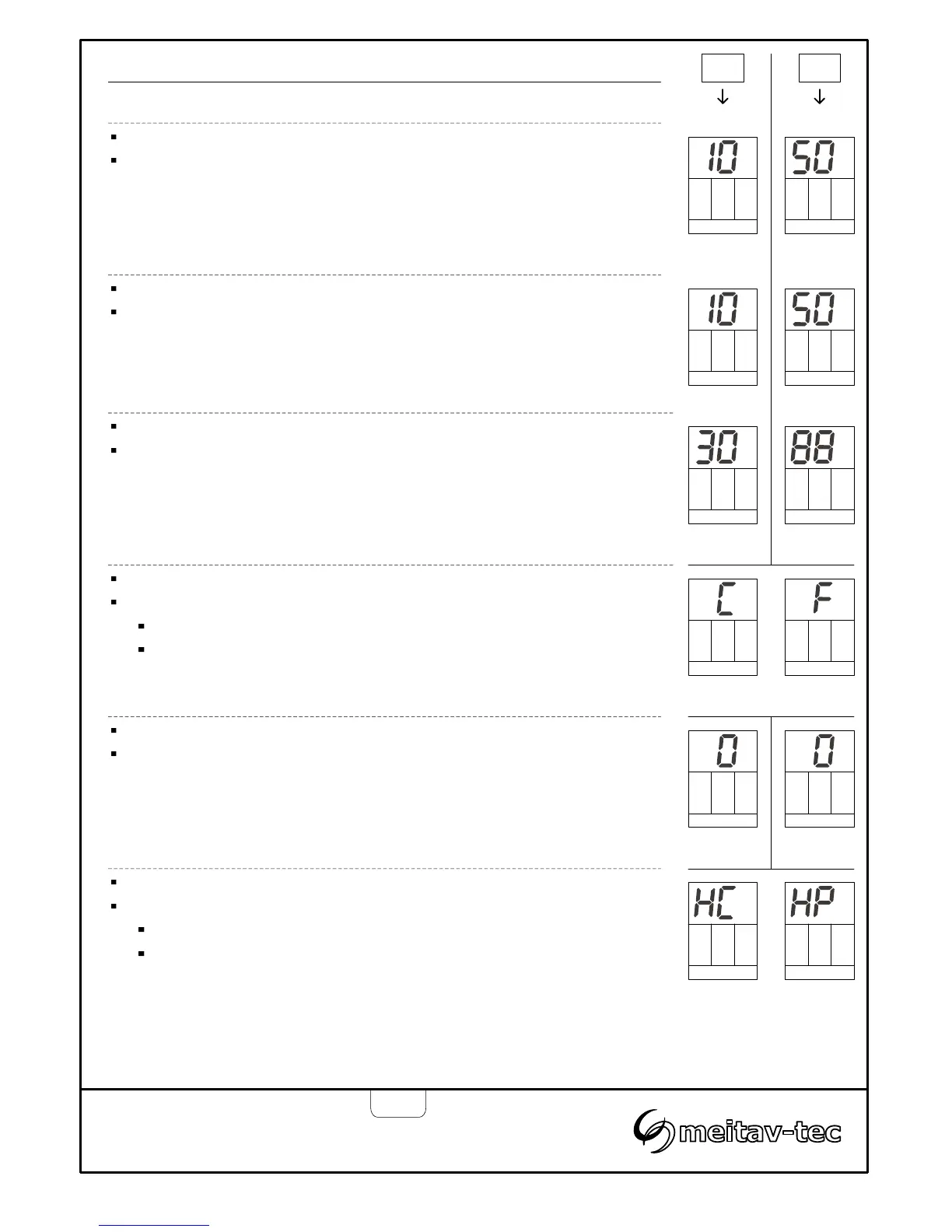
Adjust the set point temperature to 10°C (50°F)
Press and hold the [SELECT] button for 5 seconds to enter technician
settings mode.
Temperature limit for cooling
“Cool” will flash.
Use the [+] and [-] buttons to adjust the temperature limit for cooling.
Range: 10...30°C (50...88°F), Default 10°C (50°F).
Limit Cool (°C) Limit Cool (°F)
Cool Cool
Cool Cool
Enter tech.
settings
Enter tech.
settings
°C °F
Temperature limit for heating
Press the [SELECT] button again – “Heat” will flash.
Use the [+] and [-] buttons to adjust the temperature limit for heating.
Range: 10...30°C (50...88°F), Default 30°C (88°F).
Temperature scale
Heat Heat
Limit Heat (°C) Limit Heat (°F)
Press the [SELECT] button again – “C” or “F” will appear on display.
Use the [+] and [-] buttons to select between:
“C”…….… Celsius
“F”…...….. Fahrenheit
Celsius Fahrenheit
Offset for calibration of measured temperature
Press the [Mode] button again – the offset will appear on display.
Use the [+] and [-] buttons to adjust the offset.
Range: -6…+6°C (-6…+6°F), Default 0°C (0°F).
Offset(°C) Offset (°F)
Terminal “W1” configuration - Heat pump or heat element
Press the [SELECT] button again – “HC” or “HP” will appear on display.
Use the [+] and [-] buttons to select between:
“HC”…….…Heat element connected to “W1”
“HP”…...…..Heat pump connected to “W1”
Heat element Heat pump


 To Next Page