Technician Settings (Cont’)
Tel: +972-3-9626462
Fax: +972-3-9626620
support@meitavtec.com
FMT24-SUPER
Owner’s manual & Technnician Settings
Pg. 7
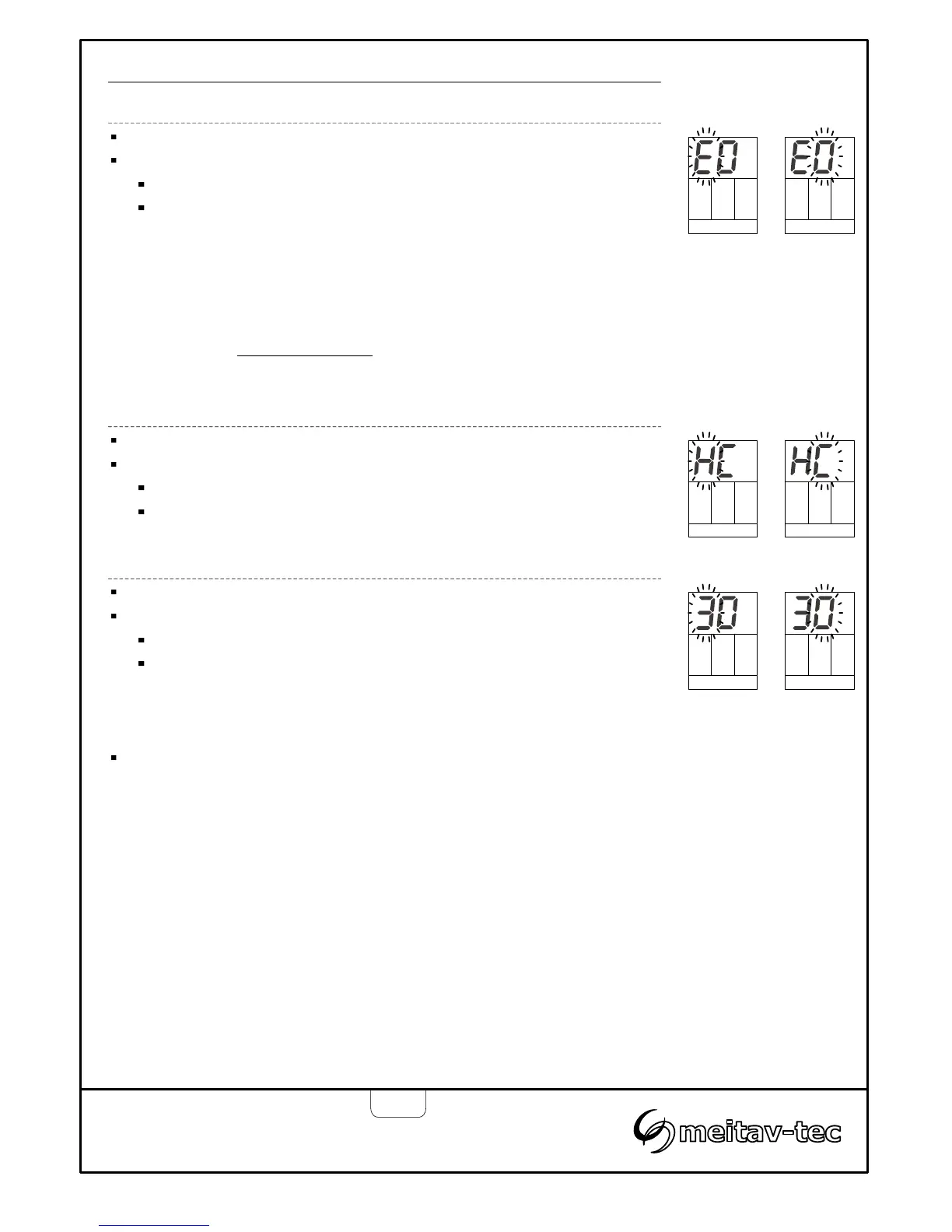
Heater type – Electric or Oil/Gas – Selection for non heat pump configurations
Press the [SELECT] button again – “EO” will appear on display.
Use the [+] and [-] buttons to select between:
“E” flashing…….… Electric heater
“O” flashing…...…..Oil/Gas heater
Note:
In Oil/Gas configuration, when Auto fan (fan on demand) is selected,
the fan will stop.
In Electric heat configuration, when Auto fan is selected, the fan will
work on demand for cooling or heating.
This selection will not be available
when heat pump is connected to
“W1” terminal (Previous technician selection).
Heat pump in cool or in heat – Selection for heat pump configuration only
Press the [SELECT] button again – “HC” will appear on display.
Use the [+] and [-] buttons to select between:
“H” flashing…….… Heat pump active in heat (B)
“C” flashing…...…..Heat pump active in cool (O)
Oil/Gas
heater
Electric
heater
Active
in cool
Active
in heat
No
delay
3 Minutes
delay
Enable/Disable compressor delay
Press the [SELECT] button again – “30” will appear on display.
Use the [+] and [-] buttons to select between:
“3” flashing…….… 3 Minutes compressor delay)
“0” flashing…...….. No delay
Press the [SELECT] button again – “30” will appear onto return to normal display.


 To Next Page