MEITRACK P88L GPS Personal Tracker User Guide
Copyright © 2020 Meitrack Group All rights reserved. - 18 -
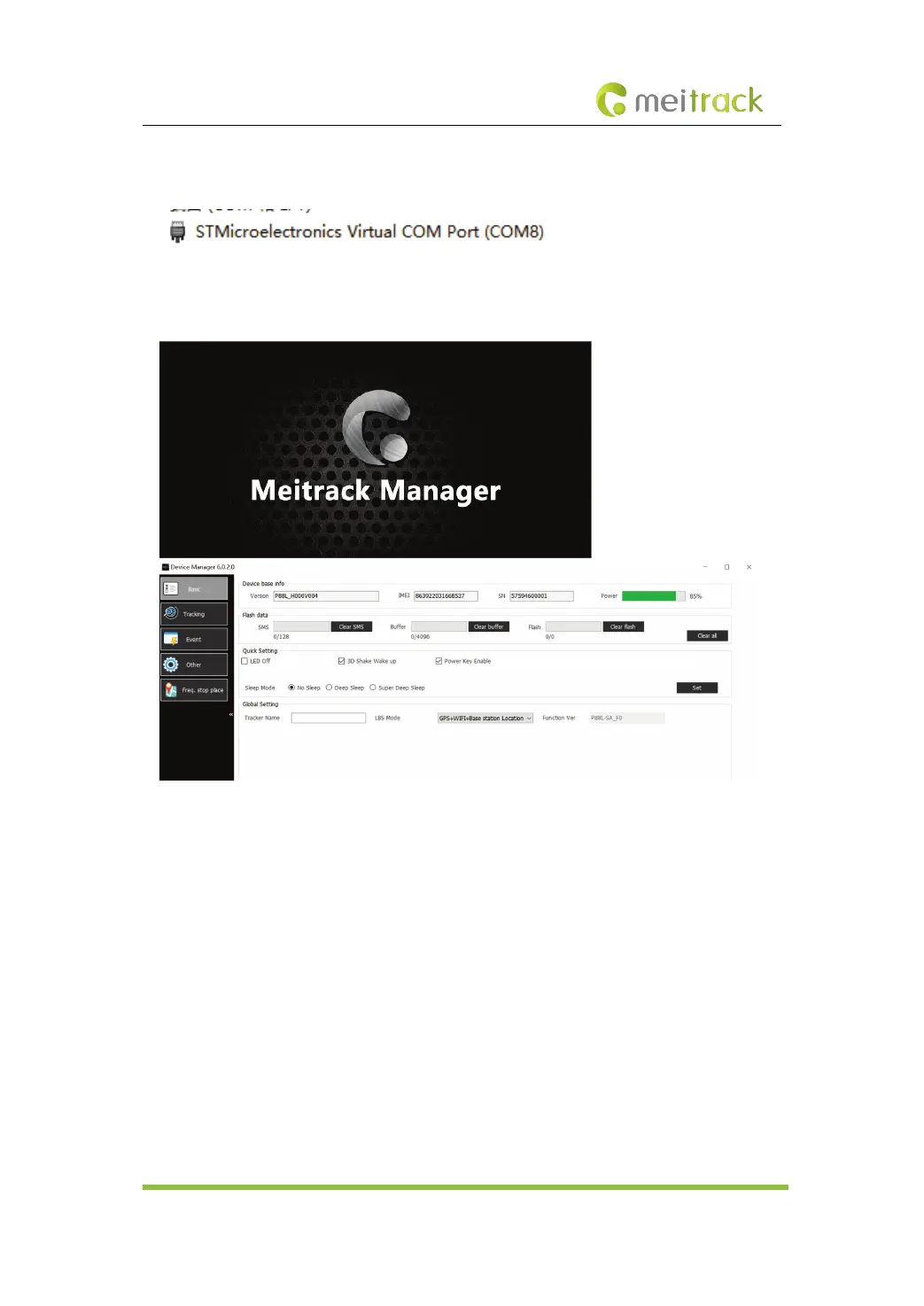
Right-click My Computer, select Manage, and view Device Manager. If SIMicroelectronics
Virtual COM Port (COM8) is displayed as follows, the data communication is successful.
Run Meitrack Manager, then the software will automatically detect the device model, as shown
in the following figures.
Note: The Meitrack Manager software is included in the CD delivered with the tracker. The
software language will be automatically switched according to the language of the operating
system. If you want to manually switch the language, click Option in the lower left corner of the
interface.
7.2 Configuring Device Parameters on Your Phone
If there is no computer in hand, download the MP-Safe app on your phone, enable the Bluetooth,
and configure device parameters on the phone by Bluetooth or GPRS.



 To Next Page