MEITRACK P88L GPS Personal Tracker User Guide
Copyright © 2020 Meitrack Group All rights reserved. - 9 -
then enable the vibration and disable the sound.
3.3.5 Step Counting
The device records the number of steps a person takes every day and uploads the data to the
platform as a reference. At 00:00:00 (SMS time zone), the steps will be cleared automatically.
Note: Users can use the B35 command to set the SMS time zone.
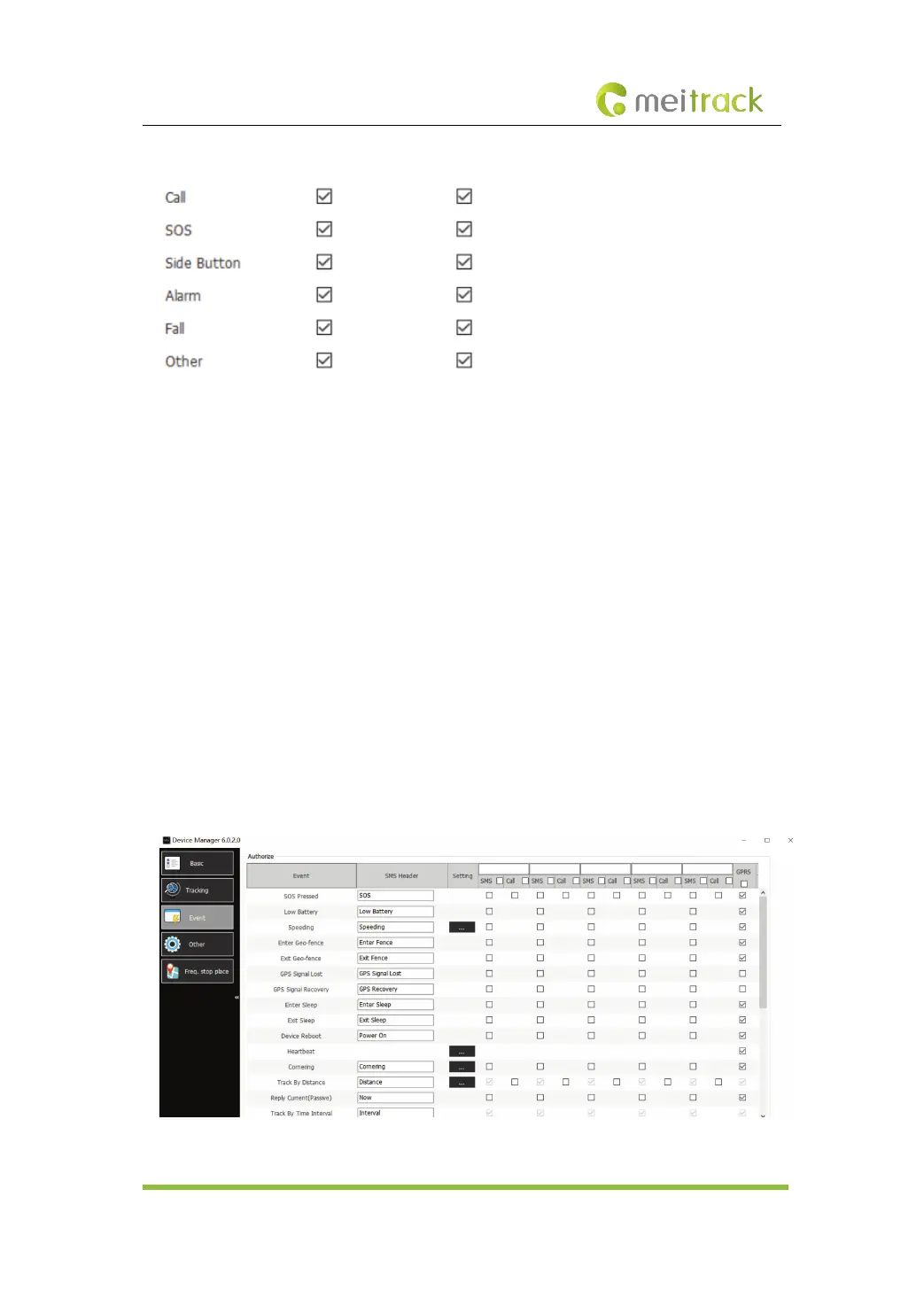
3.3.6 Calling Function of Authorized Phone Numbers
Users can authorize phone numbers, which supports the following functions:
(1) Users can call the device by authorized phone numbers. After a phone call is answered, press
1 to listen in the device or press 2 to enable the two-way calling function.
(2) When users call the device by authorized phone numbers, the device will answer the phone
call automatically. (The auto answer function needs to be enabled in advance.)
(3) When an alert such as the SOS alert and man down alert is sent, the device will send an SMS
message to or dial the authorized phone numbers.



 To Next Page