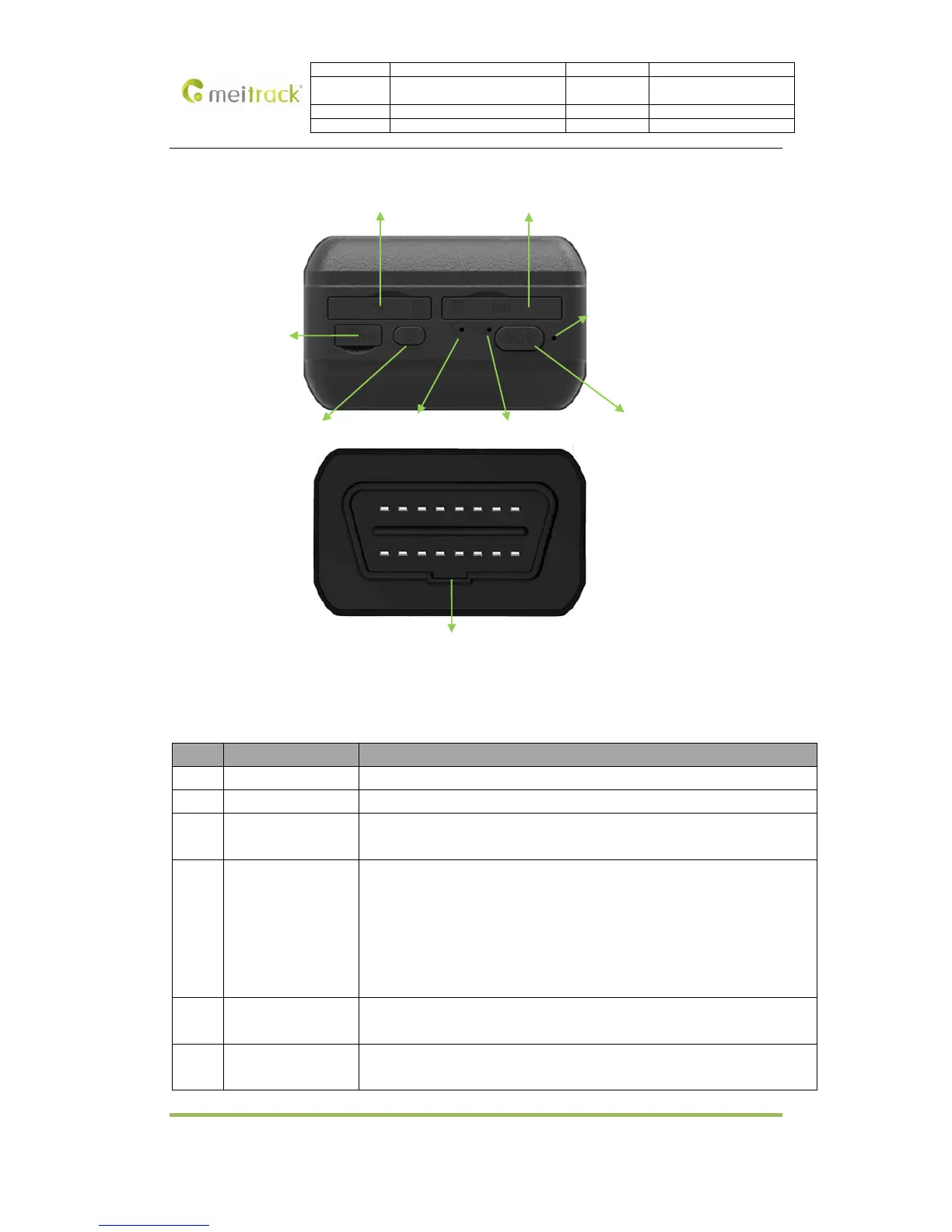
3. View
NO. Name Function
1 TF Card Slot TF maps card slot (Only applicable in China market)
2 SIM Card Slot SIM card slot
3 USB Interface USB Interface enables to charge and connect to the computer for configuration
and firmware upgrade.
4 ON-OFF
In the case of shutdown, press and hold the ON-OFF power switch for two
seconds, until the device is beeping and on.
In the case of turn on, press and hold the ON-OFF power switch for two seconds,
until the device is beeping and off.
In the case of sleep, use a short press to wake up the device. The indicator flashes
slowly for 10 seconds.
5 GSM LED
(Green)
GSM LED indicates that the device receives GSM signal. Details in”4.3 LED
Indicators”
6 GPS LED
(Blue)
GPS LED indicates that the device receives GPS signal. Details in”4.3 LED
Indicators ”



 To Next Page