7
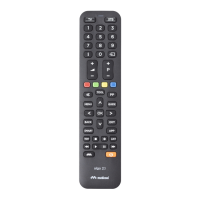
The Pratico 2 remote control is a universal remote with a memory containing data regarding numerous devices
produced by different brands on the market.
Each original device has a specifi c code which must be used to set up the remote control.
So to use the Pratico 2 you must enter the specifi c code for each device you wish to control.
So use one of the following methods to identify the correct code and set it in your remote control:
A) - INTERNET (recommended)
B) - CELL PHONE (SMS)
C) - MANUAL SEARCH
If you have an Internet connection available, follow the on-line guide on the www.meliconi.com/guide website
to identify the specifi c codes for the devices you wish to command. Then set the codes manually in your
MELICONI remote control as described in the ENTERING THE CODE DIRECTLY procedure.
SETTING CODES USING INTERNET
Today, Meliconi gives customers who don’t have internet the chance to receive the codes for programming their
remote control directly on their cell phone.
Simply send an SMS to this number 0039 345 7518893 as follows: 2B, Type, Brand, Model
- Type = indicate the device to be controlled using one of the following abbreviations: TV - SAT - TER
(terrestrial decoder)
- Brand, Model = to indicate the brand and the model of the device to be controlled.
Example: 2B, TV, PHILIPS, 32PFL3614 (if you don’t know the model, don’t write anything after the brand).
Once you have received the SMS with the list of codes, set the fi rst code in the remote control as described in
the ENTERING THE CODE DIRECTLY section.
Point the MELICONI remote control at the device, which should already be ON and press the ON/OFF button.
If the device does NOT switch off, try setting the consecutive code in the SMS list on the remote control.
SETTING CODES USING A CELL PHONE
(the service s fee and the only cost is that of sending the SMS,
which naturally depends on the rates of the service operator in question)
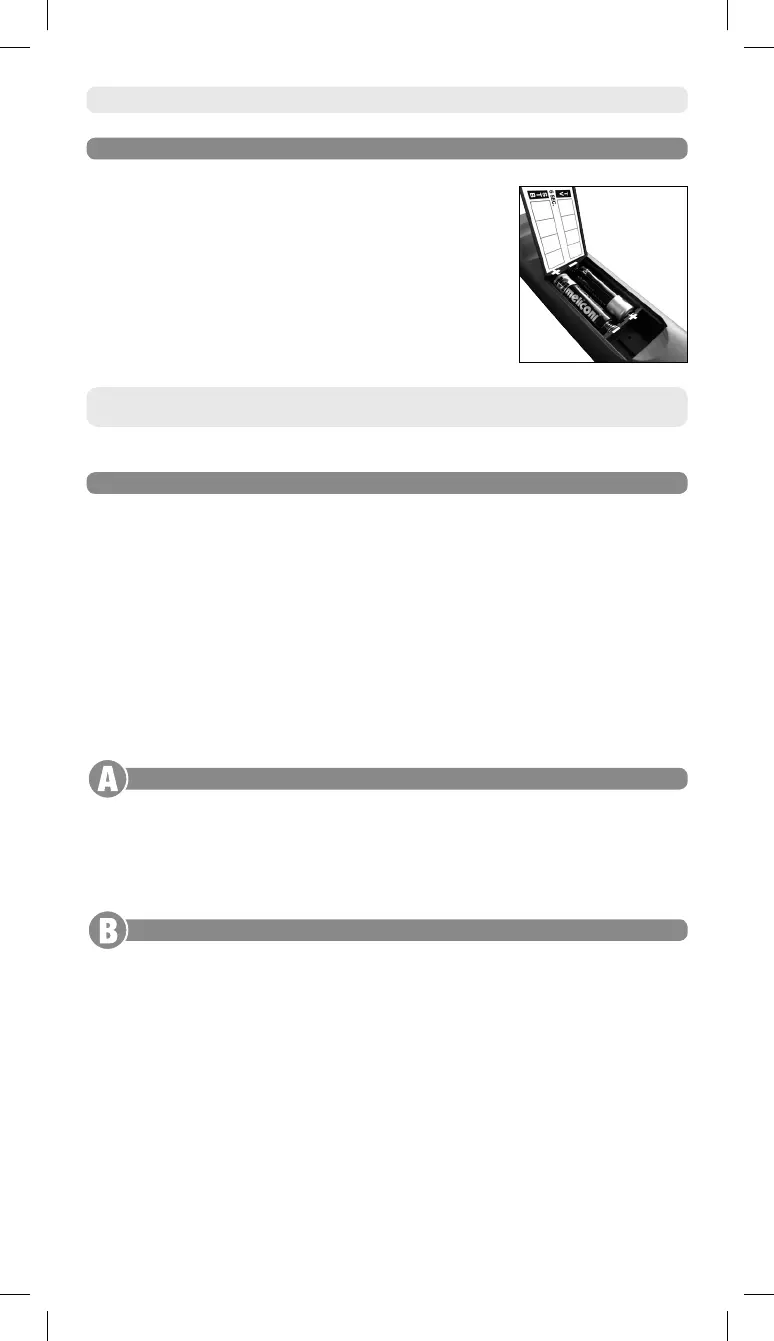
Before using the remote control, insert the batteries and programme it.
The remote control requires 2 new 1.5V alkaline AA/LR06 batteries. Insert
them as illustrated.
Try pressing a number button and check that the red light remains lit
continuously until you release the button. If the light fl ashes, the batteries
inserted are not charged and are about to go fl at, therefore you must
substitute them.
Do not leave fl at batteries inserted,
as liquid may leak and damage the remote control












 To Next Page