LET’S GET STARTED
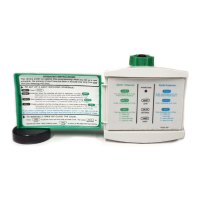
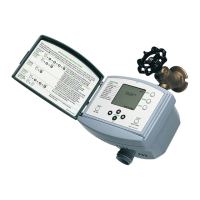
• Place English operating instructions label inside the green control panel
door. The label is a quick reference for most timer functions.
• Remove the protective film from the control panel.
• Carefully, snap the control panel door onto the timer to protect the control
panel from sun and precipitation.
Please note:
• In this manual, control panel key names are ALL CAPITAL LETTERS.
• If you make a mistake while programming your timer, simply press the UP
CURSOR to back up one step.
• You can program your timer while it is on or off the faucet. It may simplify
the process to program the timer and then attach it.
1


 To Next Page