12
OPERATION (CONTINUED)
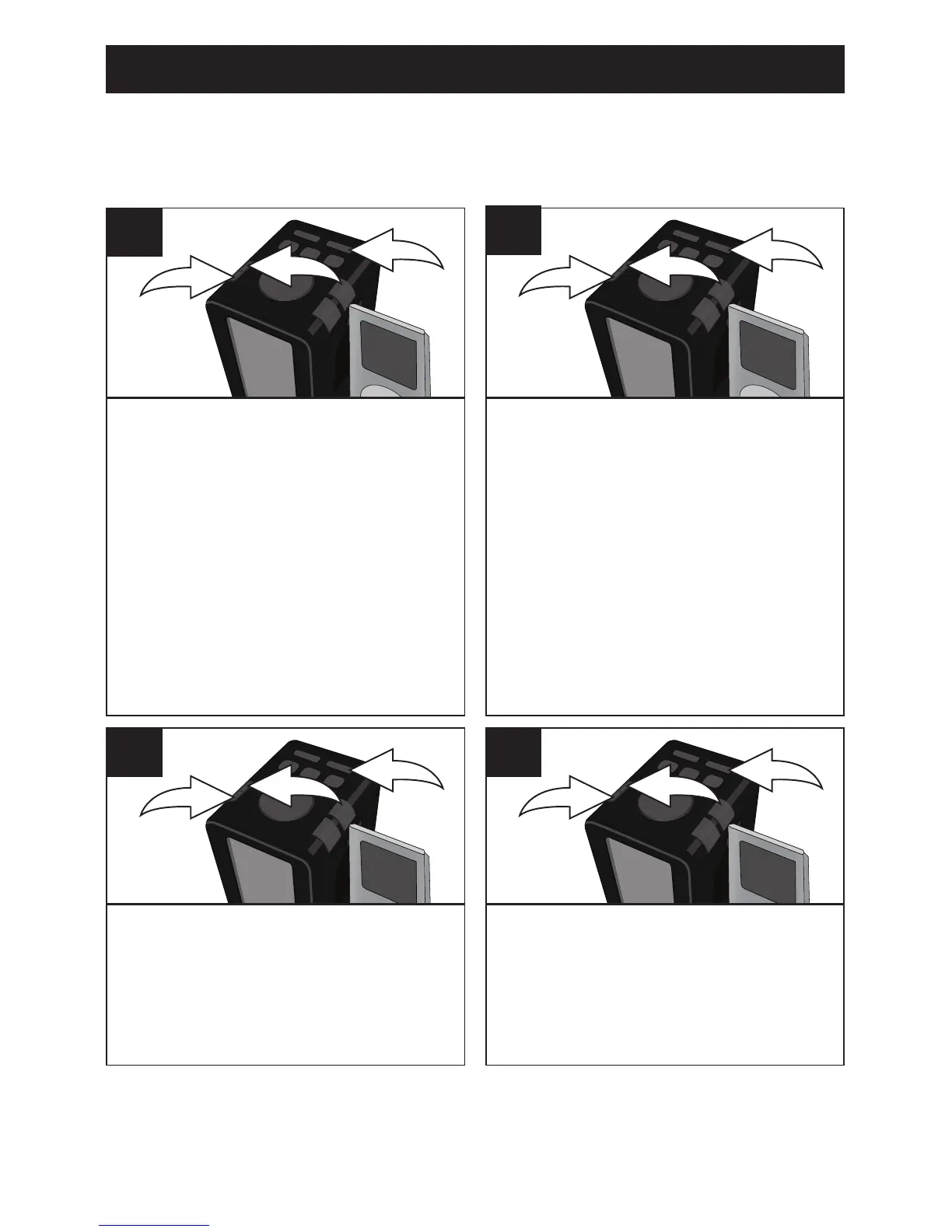
With the unit off and NO iPod/
iPhone docked, press and hold
the SET button 1 until the 24h
or 12h starts blinking. Within ten
seconds, press the TUNING/Skip/
Search Down o 2 or Up n 3
button on the main unit to set to
24 hour (military time) or 12 hour
(Standard USA time).
3
1
2
1
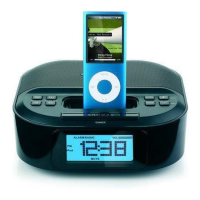
Press the SET button 1; the
minutes will blink. Within ten
seconds, press the TUNING/Skip/
Search Down o 2 or Up n 3
button to set the current minute.
3
1
2
3
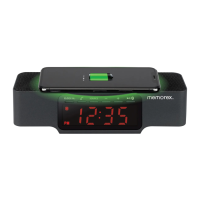
Press the SET button 1; the year
will blink. Within ten seconds,
press the TUNING/Skip/Search
Down o 2 or Up n 3 button to set
the current year.
3
1
2
4
TO SET OR RESET THE ACTUAL TIME
Follow the instructions below to manually set the time. To automatically
set the time with the iPod/iPhone, see the following page.
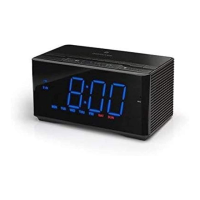
Press the SET button 1; the hours
will blink. Within ten seconds,
press the TUNING/Skip/ Search
Down o 2 or Up n 3 button on
the main unit to set the current
hour.
NOTE: If set to 12 hour in the
previous step, be sure to observe
the AM or PM indicators to make
sure you have set the hour
correctly.
3
1
2
2
CONTINUED ON THE NEXT PAGE



 To Next Page