15
OPERATION (CONTINUED)
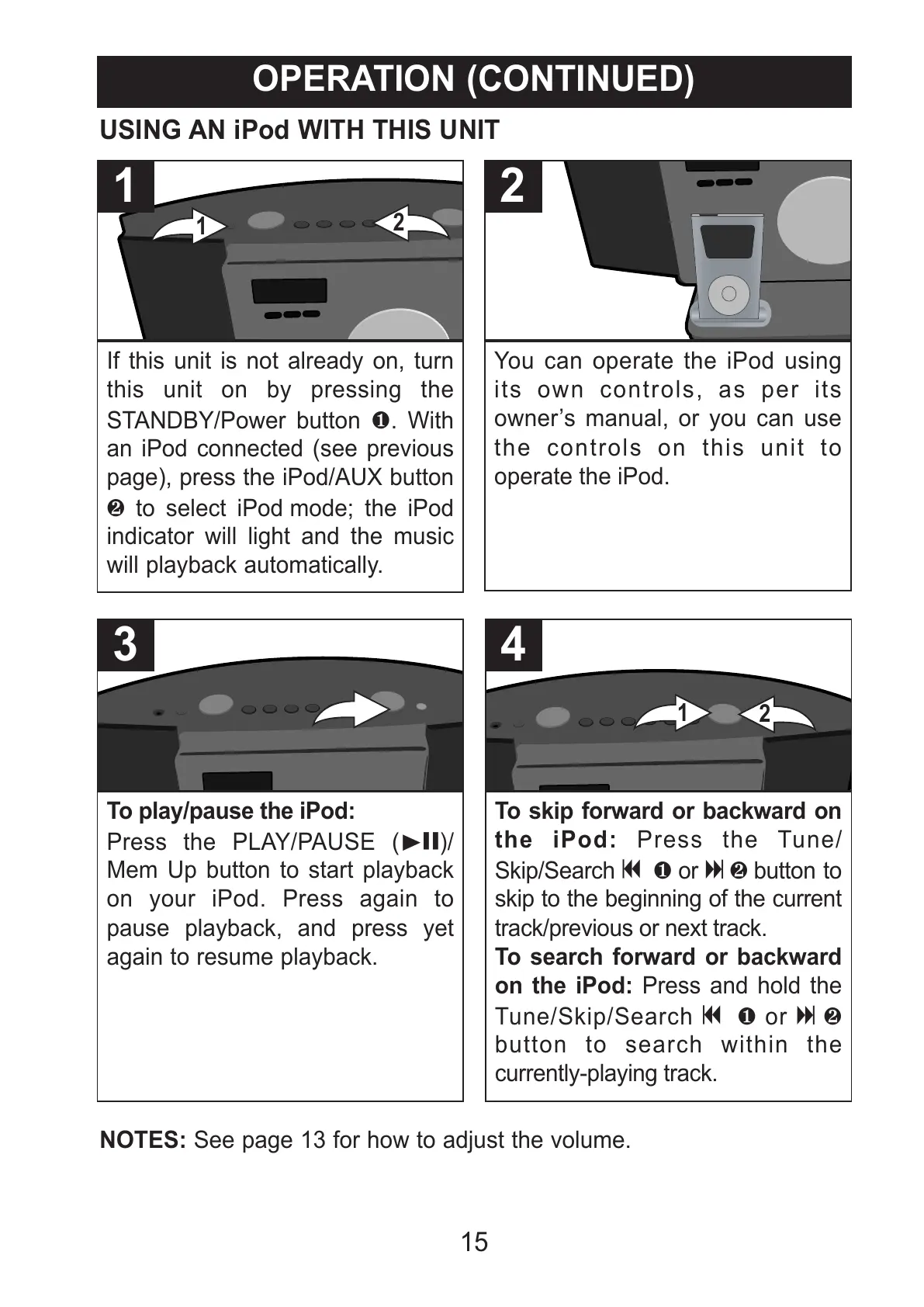
If this unit is not already on, turn
this unit on by pressing the
STANDBY/Power button 1. With
an iPod connected (see previous
page), press the iPod/AUX button
2 to select iPod mode; the iPod
indicator will light and the music
will playback automatically.
1
You can operate the iPod using
its own controls, as per its
owner’s manual, or you can use
the controls on this unit to
operate the iPod.
2
USING AN iPod WITH THIS UNIT
To play/pause the iPod:
Press the PLAY/PAUSE (®p)/
Mem Up button to start playback
on your iPod. Press again to
pause playback, and press yet
again to resume playback.
3
To skip forward or backward on
the iPod: Press the Tune/
Skip/Search o 1 or n 2 button to
skip to the beginning of the current
track/previous or next track.
To search forward or backward
on the iPod: Press and hold the
Tune/Skip/Search o 1 or n 2
button to search within the
currently-playing track.



 To Next Page