OPERATION (CONTINUED)
25
NOTES ON PROGRAM PLAYBACK:
• You can review the program by pressing the Memory/Clock Set button
repeatedly while in the Stop mode.
• To add a track to the program memory, while in the Stop mode, simply
press the Memory/Clock Set button repeatedly until the first empty
Program number appears in the display. Then follow Steps 2 and 3 on
the previous page.
• Press the STOP/Band (X) button to stop the program before it is
finished (the program memory will be kept).
• Each file may be stored in the program memory as many times as
desired (up to 20 tracks).
• You can scroll through the program while it is playing using the Tune/
Skip/Search o or n button.
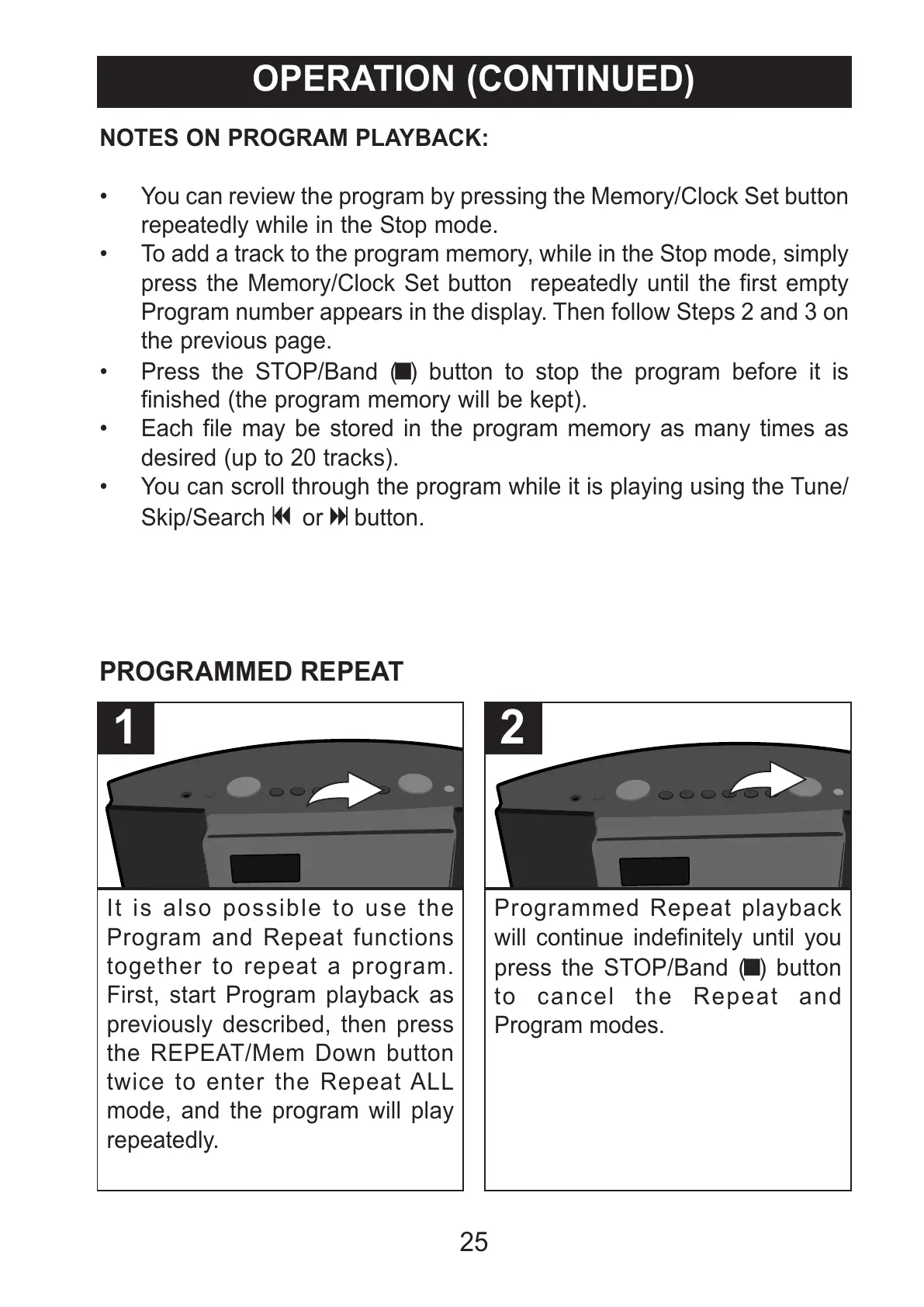
It is also possible to use the
Program and Repeat functions
together to repeat a program.
First, start Program playback as
previously described, then press
the REPEAT/Mem Down button
twice to enter the Repeat ALL
mode, and the program will play
repeatedly.
1
Programmed Repeat playback
will continue indefinitely until you
press the STOP/Band (X) button
to cancel the Repeat and
Program modes.
2
PROGRAMMED REPEAT



 To Next Page