26
OPERATION (CONTINUED)
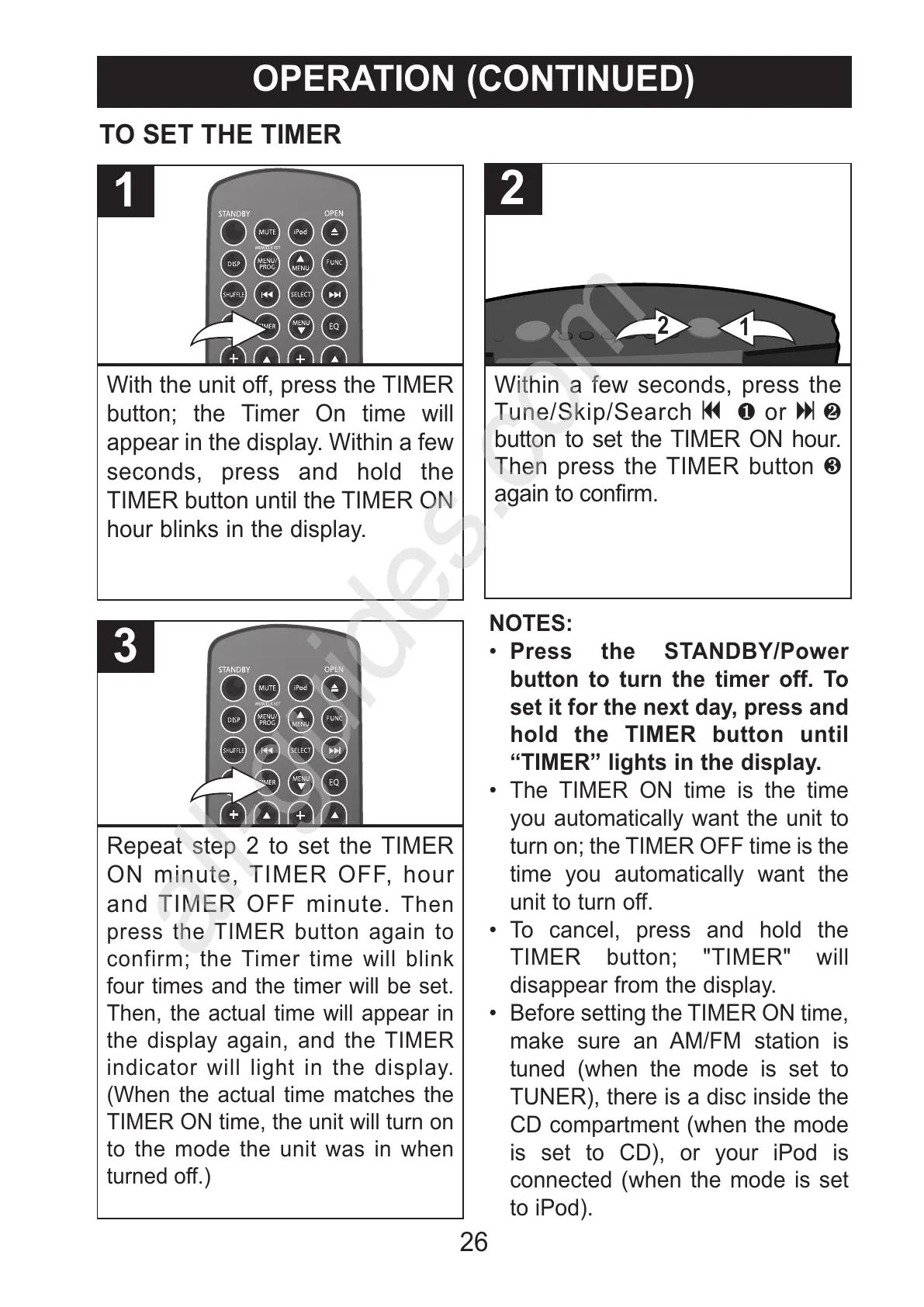
With the unit off, press the TIMER
button; the Timer On time will
appear in the display. Within a few
seconds, press and hold the
TIMER button until the TIMER ON
hour blinks in the display.
1
Repeat step 2 to set the TIMER
ON minute, TIMER OFF, hour
and TIMER OFF minute. Then
press the TIMER button again to
confirm; the Timer time will blink
four times and the timer will be set.
Then, the actual time will appear in
the display again, and the TIMER
indicator will light in the display.
(When the actual time matches the
TIMER ON time, the unit will turn on
to the mode the unit was in when
turned off.)
3
TO SET THE TIMER
Within a few seconds, press the
Tune/Skip/Search o 1 or n 2
button to set the TIMER ON hour.
Then press the TIMER button 3
again to confirm.
2
NOTES:
• Press the STANDBY/Power
button to turn the timer off. To
set it for the next day, press and
hold the TIMER button until
“TIMER” lights in the display.
• The TIMER ON time is the time
you automatically want the unit to
turn on; the TIMER OFF time is the
time you automatically want the
unit to turn off.
• To cancel, press and hold the
TIMER button; "TIMER" will
disappear from the display.
• Before setting the TIMER ON time,
make sure an AM/FM station is
tuned (when the mode is set to
TUNER), there is a disc inside the
CD compartment (when the mode
is set to CD), or your iPod is
connected (when the mode is set
to iPod).
All manuals and user guides at all-guides.com
all-guides.com



 To Next Page