27
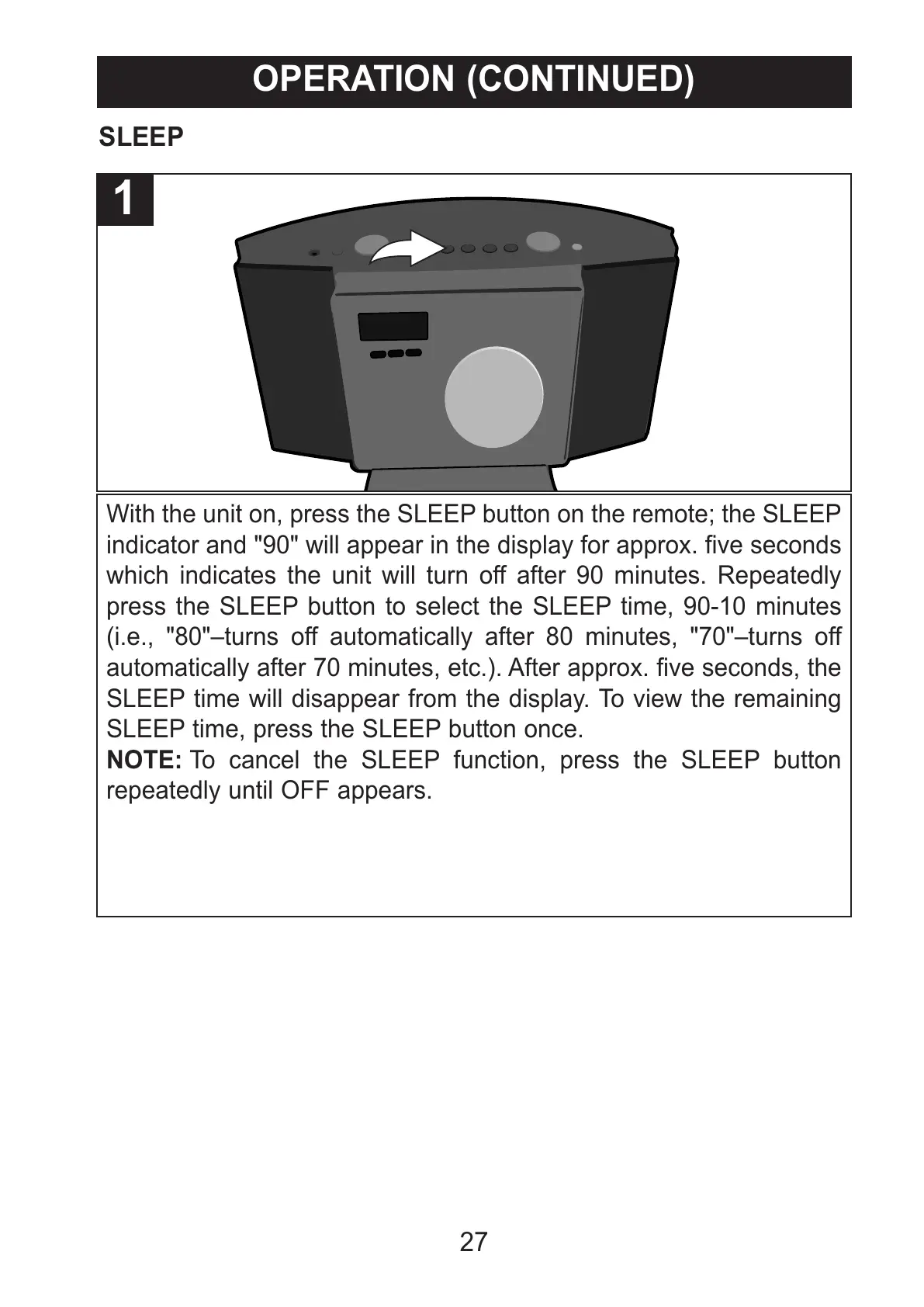
With the unit on, press the SLEEP button on the remote; the SLEEP
indicator and "90" will appear in the display for approx. five seconds
which indicates the unit will turn off after 90 minutes. Repeatedly
press the SLEEP button to select the SLEEP time, 90-10 minutes
(i.e., "80"–turns off automatically after 80 minutes, "70"–turns off
automatically after 70 minutes, etc.). After approx. five seconds, the
SLEEP time will disappear from the display. To view the remaining
SLEEP time, press the SLEEP button once.
NOTE: To cancel the SLEEP function, press the SLEEP button
repeatedly until OFF appears.
1
SLEEP
OPERATION (CONTINUED)



 To Next Page