OPERATION (CONTINUED)
24
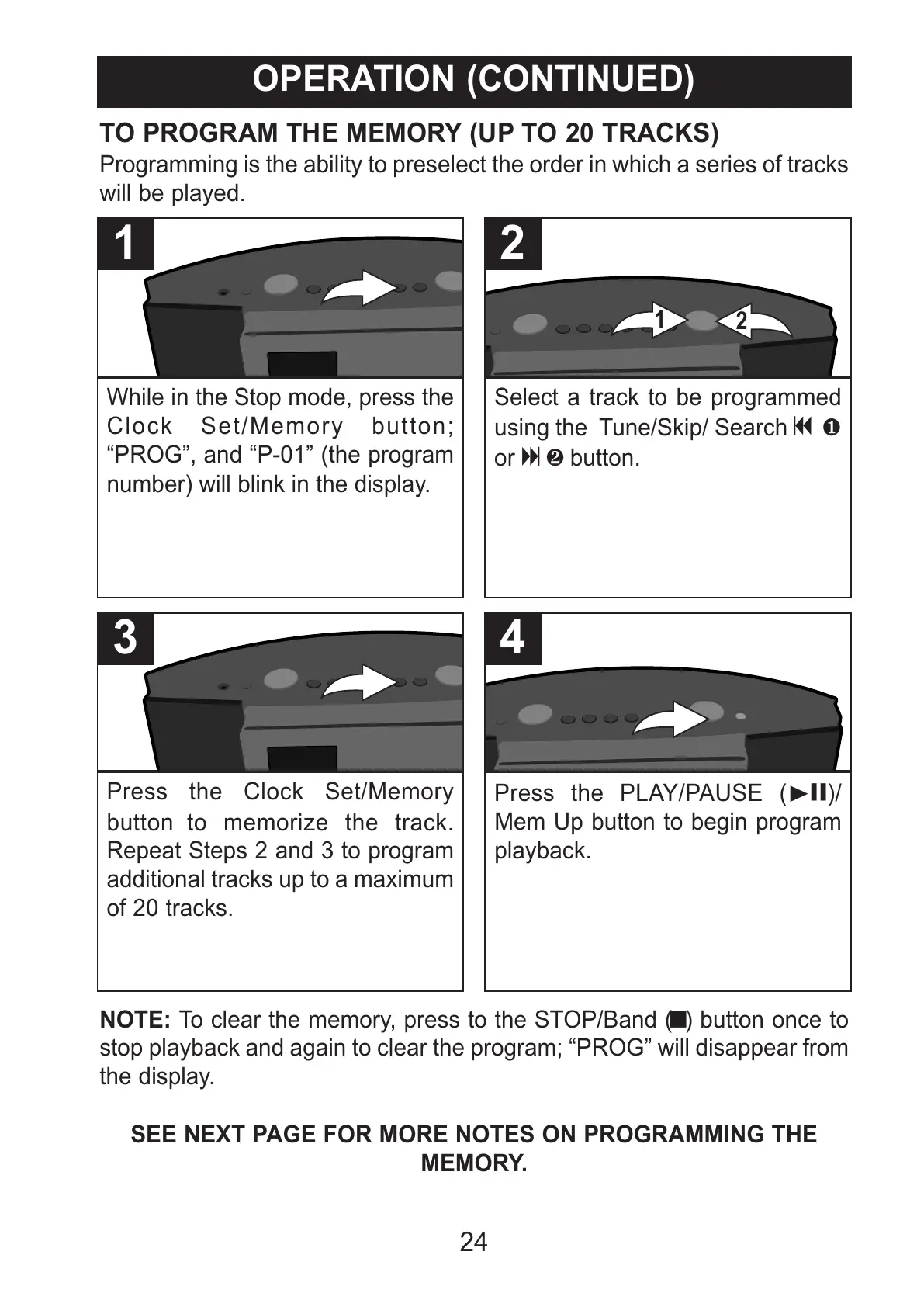
While in the Stop mode, press the
Clock Set/Memory button;
“PROG”, and “P-01” (the program
number) will blink in the display.
1
Select a track to be programmed
using the Tune/Skip/ Search o 1
or n 2 button.
2
TO PROGRAM THE MEMORY (UP TO 20 TRACKS)
Programming is the ability to preselect the order in which a series of tracks
will be played.
Press the Clock Set/Memory
button to memorize the track.
Repeat Steps 2 and 3 to program
additional tracks up to a maximum
of 20 tracks.
3
Press the PLAY/PAUSE (®p)/
Mem Up button to begin program
playback.
4
NOTE: To clear the memory, press to the STOP/Band (X) button once to
stop playback and again to clear the program; “PROG” will disappear from
the display.
SEE NEXT PAGE FOR MORE NOTES ON PROGRAMMING THE
MEMORY.



 To Next Page