OPERATION (CONTINUED)
23
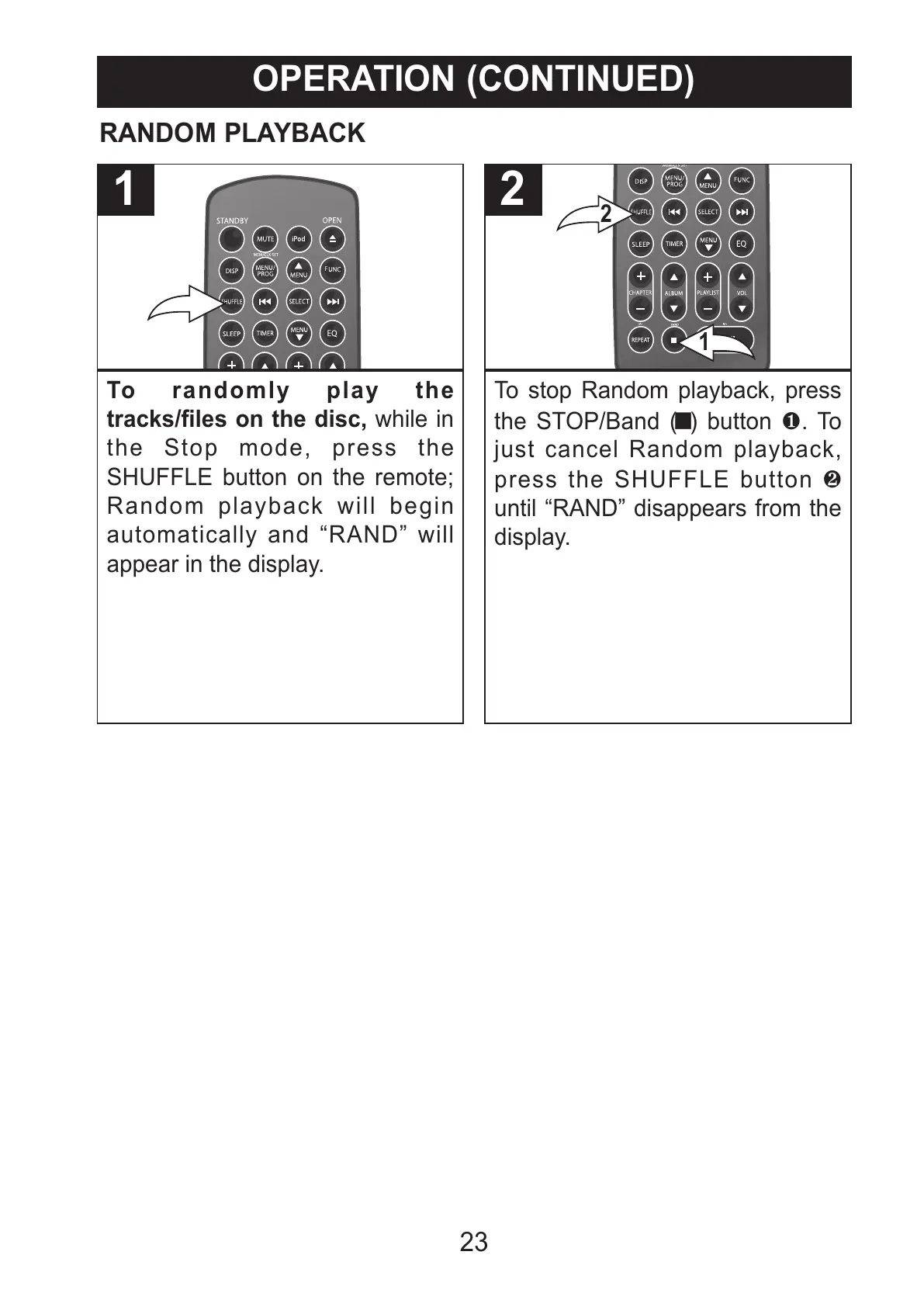
To randomly play the
tracks/files on the disc, while in
the Stop mode, press the
SHUFFLE button on the remote;
Random playback will begin
automatically and “RAND” will
appear in the display.
1
To stop Random playback, press
the STOP/Band (X) button 1. To
just cancel Random playback,
press the SHUFFLE button 2
until “RAND” disappears from the
display.
All manuals and user guides at all-guides.com



 To Next Page