OPERATION (CONTINUED)
22
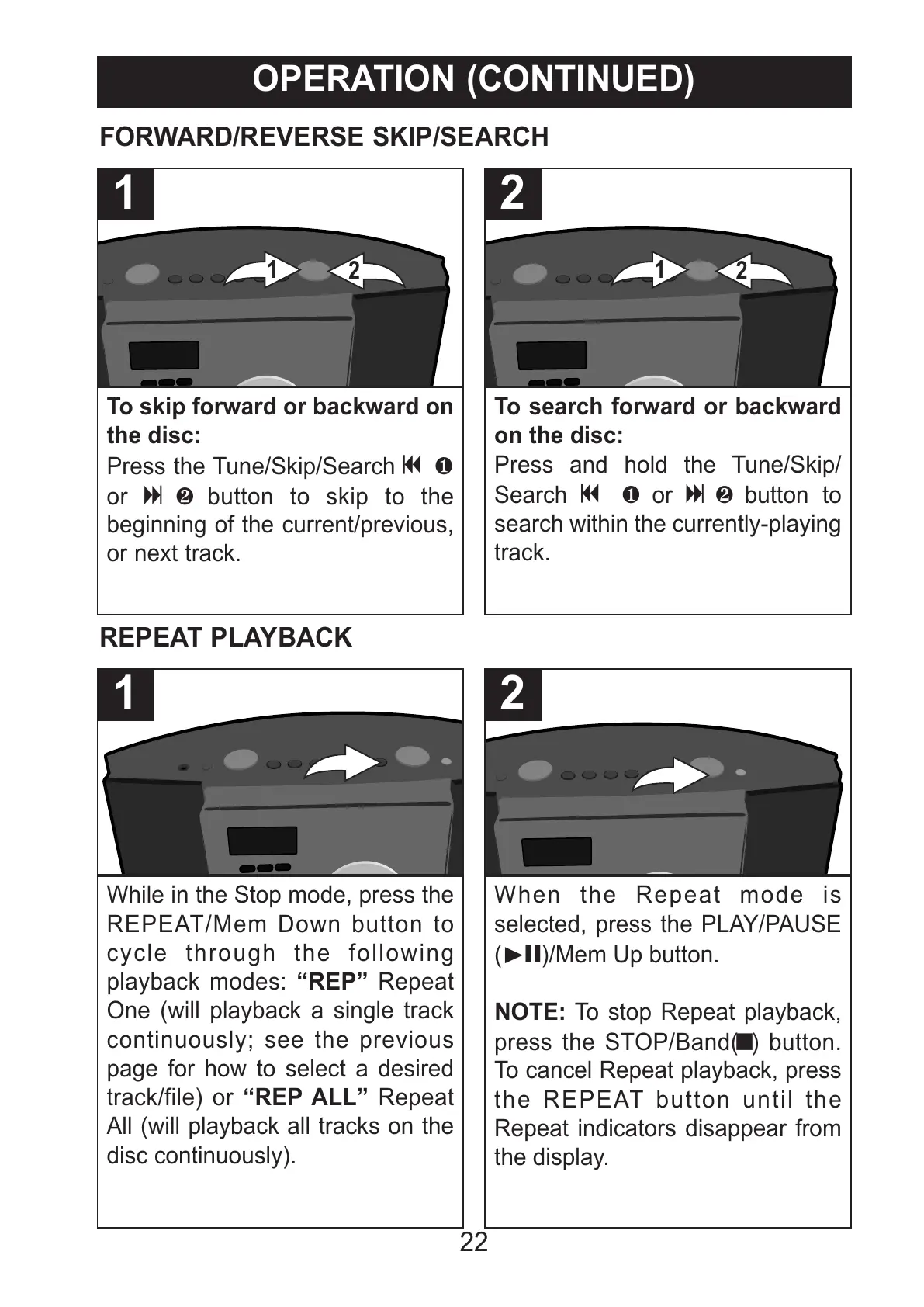
To skip forward or backward on
the disc:
Press the Tune/Skip/Search o 1
or n 2 button to skip to the
beginning of the current/previous,
or next track.
1
To search forward or backward
on the disc:
Press and hold the Tune/Skip/
Search o 1 or n 2 button to
search within the currently-playing
track.
2
FORWARD/REVERSE SKIP/SEARCH
While in the Stop mode, press the
REPEAT/Mem Down button to
cycle through the following
playback modes: “REP” Repeat
One (will playback a single track
continuously; see the previous
page for how to select a desired
track/file) or “REP ALL” Repeat
All (will playback all tracks on the
disc continuously).
1
When the Repeat mode is
selected, press the PLAY/PAUSE
(®p)/Mem Up button.
NOTE: To stop Repeat playback,
press the STOP/Band(X) button.
To cancel Repeat playback, press
the REPEAT button until the
Repeat indicators disappear from
the display.
2
REPEAT PLAYBACK



 To Next Page