OPERATION (CONTINUED)
21
DISC PLAYBACK NOTES:
• See the page 13 for how to adjust the volume and set the EQ.
• If a disc is inserted incorrectly, dirty, damaged, or not present at all, “No”
will appear in the display.
• Playback will stop when you open the CD compartment, but it is not
recommended to open the compartment before the STOP/Band (X)
button is pressed.
• To turn this unit off, press the STANDBY/Power button; the display will
show the actual time again.
• If the CD is inside the unit and the Function button to pressed to select
CD mode, it will playback the music automatically.
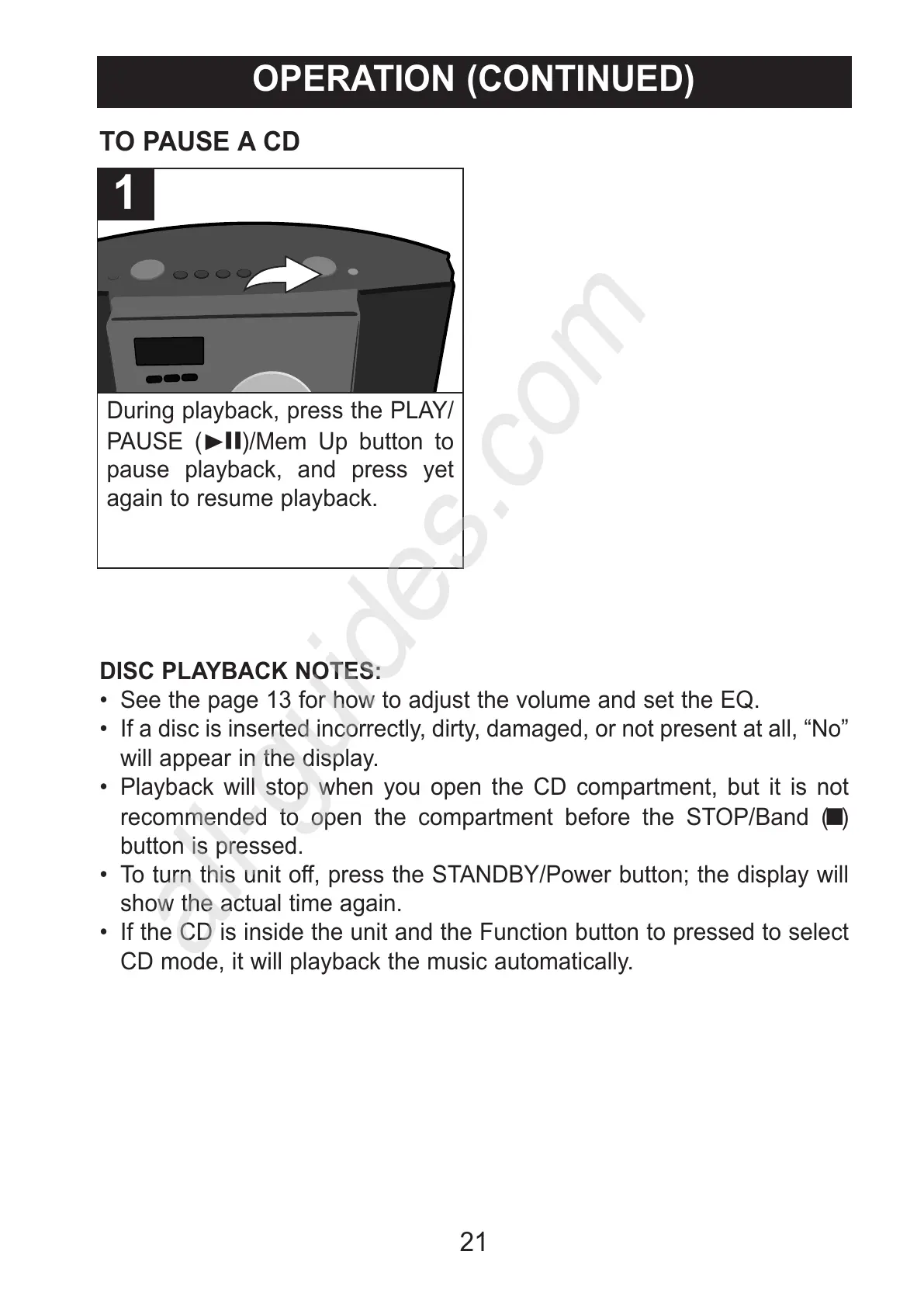
During playback, press the PLAY/
PAUSE (®p)/Mem Up button to
pause playback, and press yet
again to resume playback.
1
TO PAUSE A CD



 To Next Page