OPERATION (CONTINUED)
20
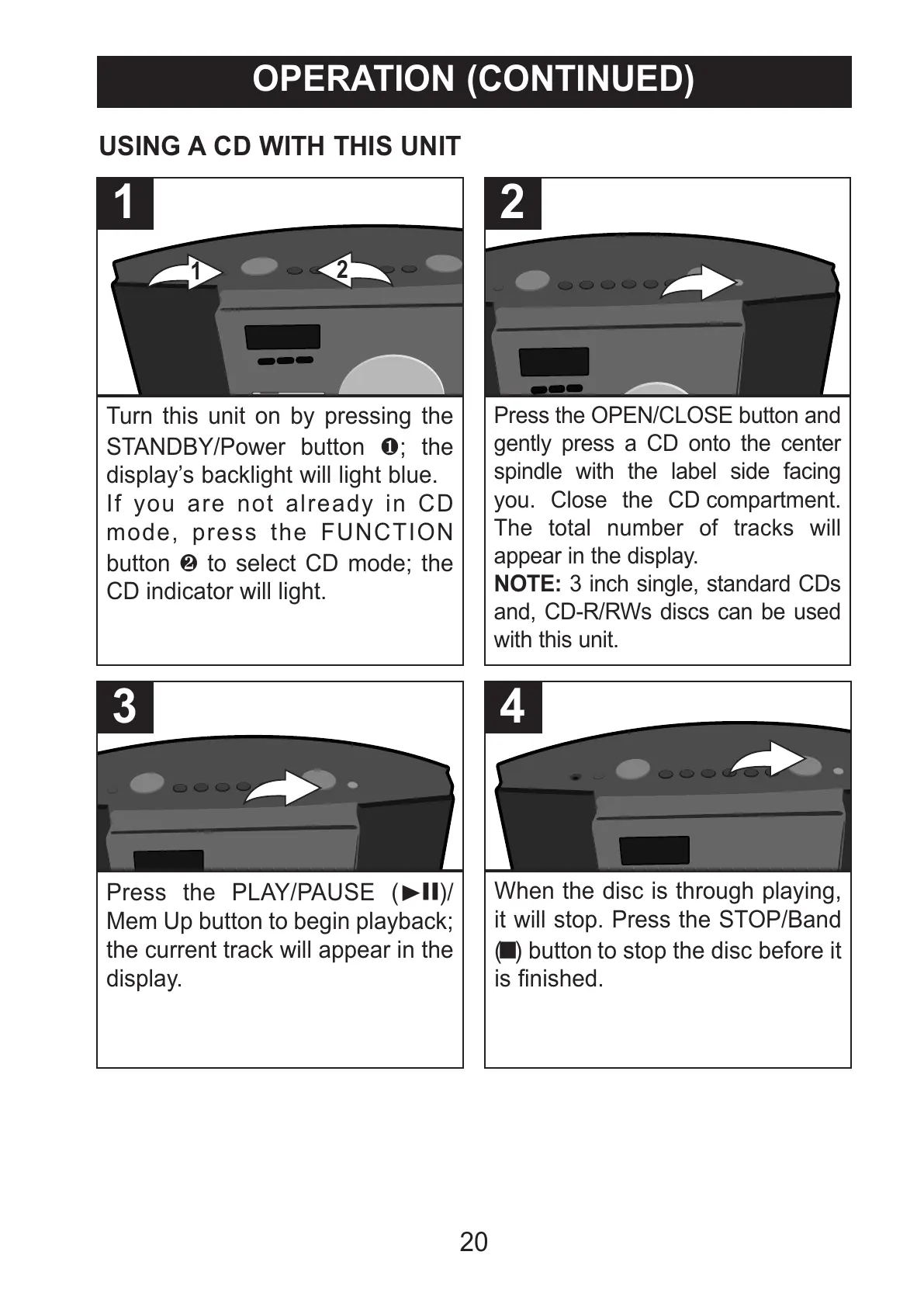
Turn this unit on by pressing the
STANDBY/Power button 1; the
display’s backlight will light blue.
If you are not already in CD
mode, press the FUNCTION
button 2 to select CD mode; the
CD indicator will light.
1
Press the OPEN/CLOSE button and
gently press a CD onto the center
spindle with the label side facing
you. Close the CD compartment.
The total number of tracks will
appear in the display.
NOTE: 3 inch single, standard CDs
and, CD-R/RWs discs can be used
with this unit.
2
USING A CD WITH THIS UNIT
Press the PLAY/PAUSE (®p)/
Mem Up button to begin playback;
the current track will appear in the
display.
3
When the disc is through playing,
it will stop. Press the STOP/Band
(X) button to stop the disc before it
is finished.
4



 To Next Page