27
TV PARENTAL CONTROL (CONTINUED)
Enter the Parental Lock menu and turn on the V-chip option
as described on page 24 (steps 1 and 2).
PG B
PG-13 B
R
B
NC-17 B
X
B
Parental Lock Off
TV Rating
MPAA Rating
Lock MenuLock Menu
C
hange Password
Parental Lock
AV Lock OnOn
Lock
1
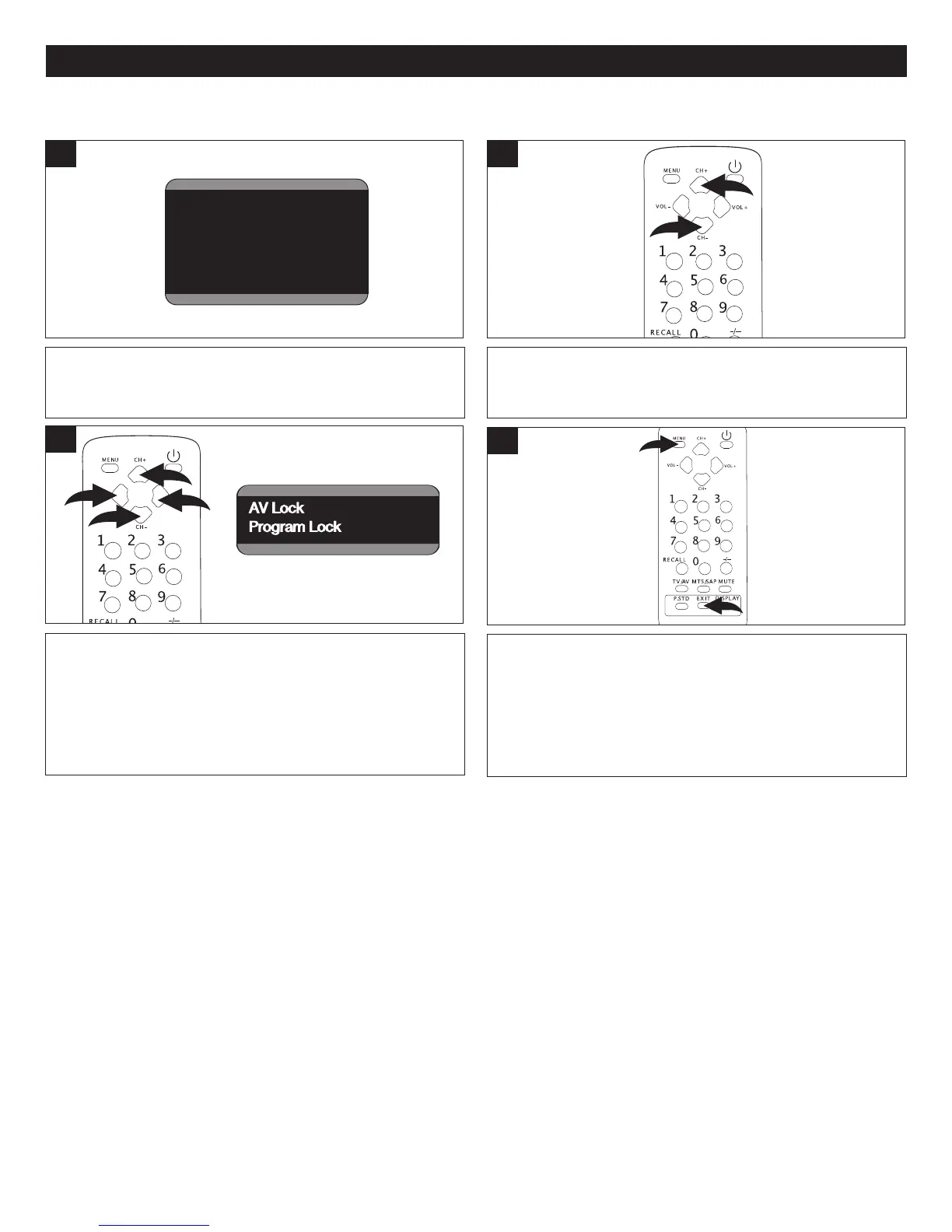
Press the CHANNEL Up 1 or Down 2 button until LOCK
MENU is selected.
2
LOCK MENU
Press the VOLUME Up 1 or Down 2 to enter the Lock
menu. Press the CHANNEL Up 3 or Down 4 button to
select AV Lock or Program Lock. Press the VOLUME Up 1
or Down 2 to turn the option ON or OFF.
3
AV Lock OnOn
Program Lock
OnOn
Lock
When finished, press the Menu button 1 to return to the
Parental Lock menu or press the Exit button 2 to exit the
menus.
3
NOTE: When AV Lock is ON, the Audio/Video connections will be locked (cannot be used).
For Program Lock, you must select the channel which needs to be locked before entering the Parental Lock menu in step 1.
When Program Lock is ON, the selected channel will be locked.



 To Next Page