29
TV BASIC OPERATION (CONTINUED)
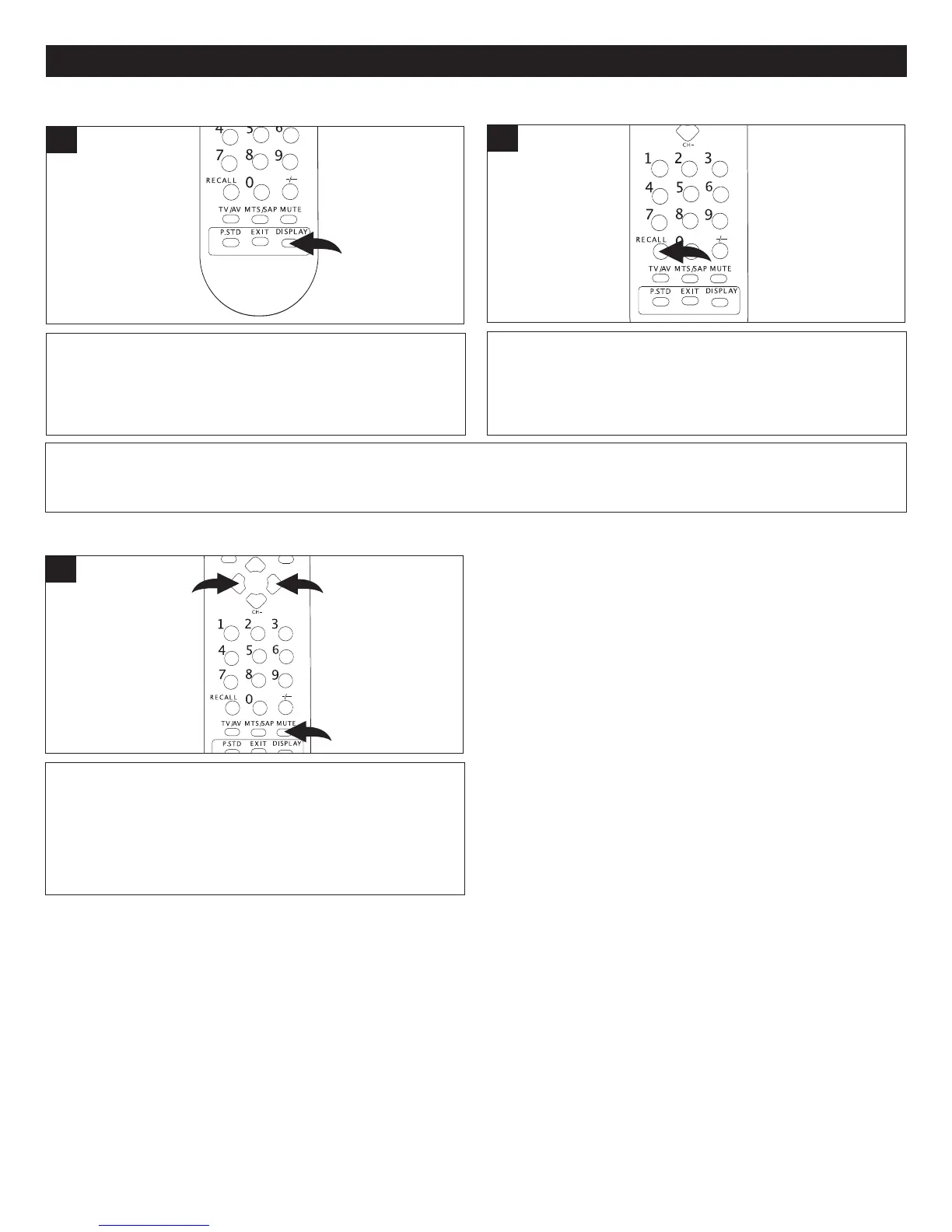
MUTE
Press the Mute button ❶ to turn of
f the sound; the TV’s
sound will be silenced and “Mute” will appear on the
screen. The sound can be turned back on by pressing this
button again or one of the
VOLUME Up
2 or Down 3
buttons; “Mute” will disappear form the screen.
1
DISPLAY
Press the DISPLAY button once to display the current
information on the screen (Channel number or Video
mode). Press again to clear.
1
RECALL
Press the RECALL button to switch between the present
channel and the last channel chosen.
1
FAQ:
How do I watch the device connected to the side audio/video jacks?
Press the TV/AV button as described in the step at the top left of the next page.



 To Next Page