27
TV PARENTAL CONTROL (CONTINUED)
Enter the Parental Lock submenu and turn on the V-chip
option as described on page 25 (Steps 1-3).
0101
PARENTAL LOCK OFF
PARENTAL GUIDE
MPAA RATING
NO RATING UNBLOCK
V
IDEO UNBLOCK
PARENTAL LOCK
1
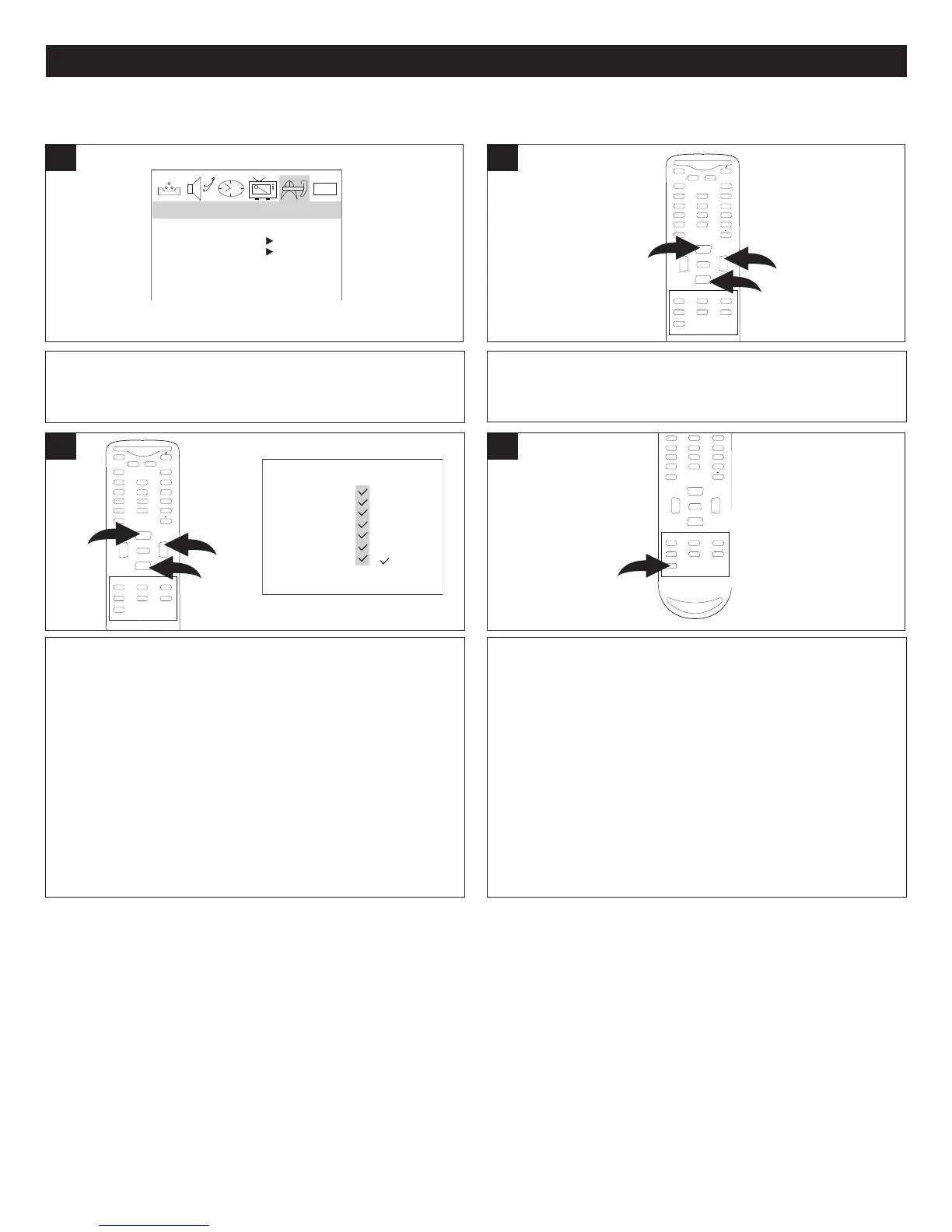
Press the CHANNEL Up 1 or Down 2 button until MPAA
RATING is selected, then press the VOLUME Up button
3
to enter the submenu.
MUTE
Q.VIEW INFO
INPUT TV/DTV
SAP P.MODE
-
MENU
CH-
CH+
VOL
-
VOL
+
CC SLEEP
GUIDE
FAV.LIST
ARC
CH.LIST
EXIT
0
3
1
2
ENTER
MPAA RATING SET-UP
Press the CHANNEL Up 1 or Down 2 button to select a
rating and then the VOLUME Up button
3 to BLOCK
(ratings at or above cannot be viewed) or UNBLOCK
(ratings at or under can be viewed).
NOTE: A checkmark indicates that the rating is blocked.
M
UTE
Q.VIEW INFO
INPUT TV/DTV
SAP P.MODE
-
MENU
CH-
CH+
VOL
-
VOL
+
CC SLEEP
GUIDE
FAV.LIST
ARC
CH.LIST
EXIT
0
3
1
2
ENTER
NR: Permits all programs
G: All ages
PG: Parental Guidance
PG-13: Parental Guidance
less than 13 years
old
R: Under 17 years old,
Parental Guidance
suggested
NC17: 17 years old and
above
X: Adult only
3
2
MPAA-X
MPAA RATING
MPAA-NC-17
MPAA-R
MPAA-PG13
MPAA-PG
MPAA-G
MPAA-NR
( : BLOCK)
When finished, press the Exit button to exit the menus.
M
UTE
Q.VIEW INFO
INPUT TV/DTV
SAP P.MODE
-
MENU
CH-
CH+
VOL
-
VOL
+
CC SLEEP
GUIDE
FAV.LIST
ARC
CH.LIST
EXIT
0
ENTER
4



 To Next Page