23
SETTING THE MENUS (CONTINUED)
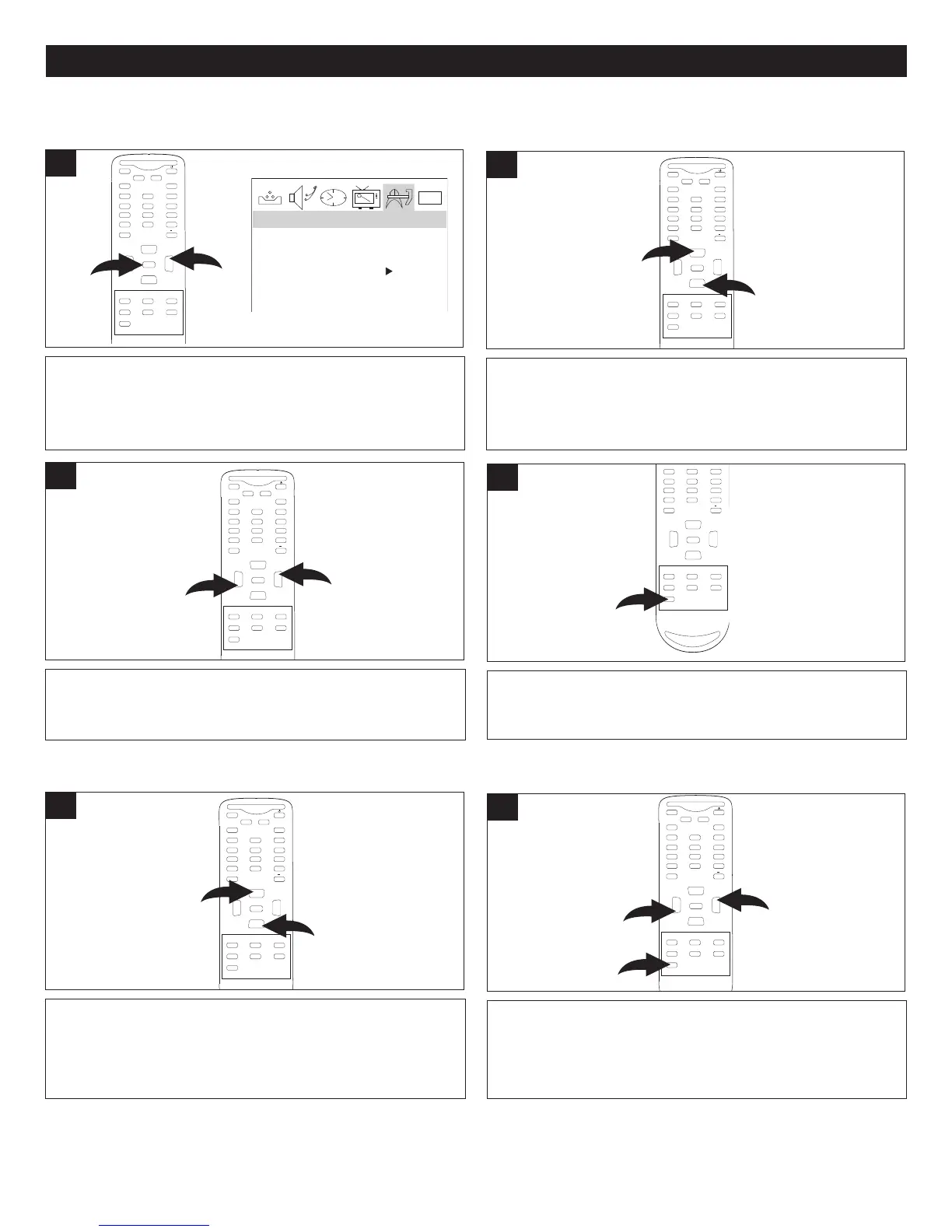
Press the CHANNEL Up 1 or Down 2 button until
LANGUAGE is selected.
M
UTE
Q.VIEW INFO
INPUT TV/DTV
SAP P.MODE
-
MENU
CH-
CH+
VOL
-
VOL
+
CC SLEEP
GUIDE
FAV.LIST
ARC
CH.LIST
EXIT
0
1
2
ENTER
2
With the TV on, press the MENU button 1; the Video menu
will appear. Press the VOLUME Up button
2 to select the
Function menu.
0101
L
ANGUAGE ENGLISH
B
LUE SCREEN ON
N
TSC CAPTION C1
P
ARENTAL LOCK
F
UNCTION
1
MUTE
Q.VIEW INFO
INPUT TV/DTV
SAP P.MODE
-
MENU
CH-
CH+
VOL
-
VOL
+
CC SLEEP
G
UIDE
FAV.LIST
ARC
C
H.LIST
EXIT
0
2
1
ENTER
SETTING THE LANGUAGE
Press the VOLUME Up 1 or Down 2 button to turn the
blue screen ON (the background will be blue if no signal is
received) or OFF
. When done, press the EXIT
button
3 to
exit the menus.
M
UTE
Q.VIEW INFO
INPUT TV/DTV
SAP P.MODE
-
MENU
CH-
CH+
VOL
-
VOL
+
CC SLEEP
GUIDE
FAV.LIST
ARC
CH.LIST
EXIT
0
1
2
3
ENTER
2
Enter the Function menu by following Step 1 above. Press
the
CHANNEL
Up
1 or Down 2 butto
n until BLUE SCREEN
is selected.
M
UTE
Q.VIEW INFO
INPUT TV/DTV
SAP P.MODE
-
MENU
CH-
CH+
VOL
-
VOL
+
CC SLEEP
GUIDE
FAV.LIST
ARC
CH.LIST
EXIT
0
1
2
ENTER
1
SETTING THE BLUE SCREEN
FUNCTION SETUP MENU:
When done, press the EXIT button to exit the menus.
MUTE
Q.VIEW INFO
INPUT TV/DTV
SAP P.MODE
-
MENU
CH-
CH+
VOL
-
VOL
+
CC SLEEP
GUIDE
FAV.LIST
ARC
CH.LIST
EXIT
0
ENTER
4
Press the VOLUME Up 1 or Down 2 button to select
between English, Spanish and French.
MUTE
Q.VIEW INFO
INPUT TV/DTV
SAP P.MODE
-
MENU
CH-
CH+
VOL
-
VOL
+
CC SLEEP
GUIDE
FAV.LIST
ARC
CH.LIST
EXIT
0
1
2
ENTER
3



 To Next Page