B. Venlang your room
Press MODE buon repeatedly unl the LED of FAN operaon lights up.
In venlaon mode the room air is circulated, but not cooled.
Press SPEED buon repeatedly to select the fan speed as desired.
C. Drying your room
Press MODE buon on the control panel or remote control, the LED of DRY operaon lights up.
The fan speed is unable to select. User should connect the hose to the drain outlet at the
boom of the unit.
Note: In this mode,
the fan speed switches over to low speed and the temperature cannot be
selected.
D. Sleep mode
The sleep mode can be acvated when in cool mode.
In cool mode:
Aer 1 hour the preset temperature is increased by 1 °C, aer another hour the preset
temperature will again be increased by 1 °C.
Informaon on the App
“Smart Life”
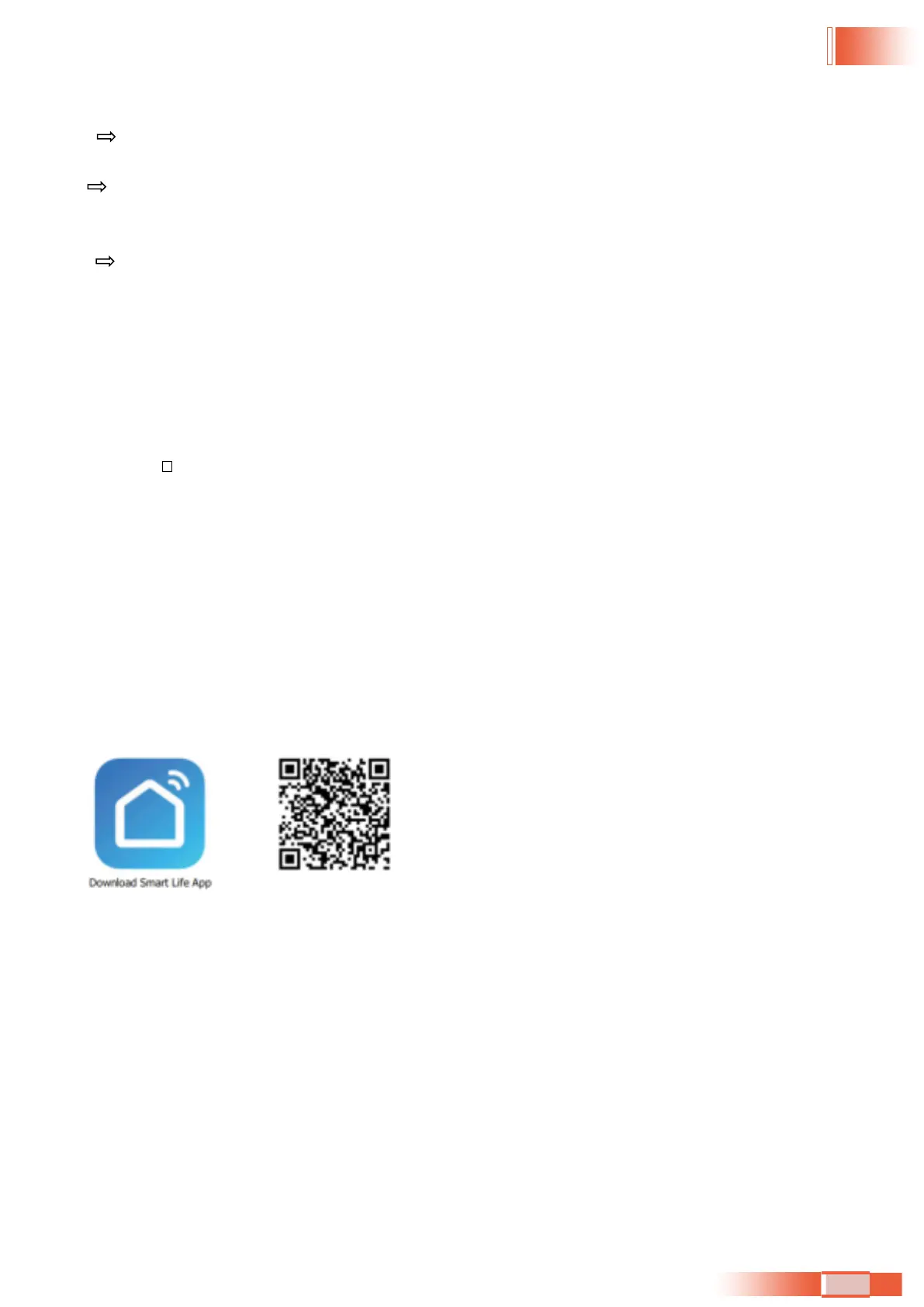
The “Smart Life” app is available for android and iOS.
Scan the corresponding QR code to get directly to the download.
Note:
Depending on the provider, there may be costs involved in downloading the app.
Informaon on How to Use the App
This appliance
allows you to operate the appliance via your home net-work. A prerequisite is a
permanent Wi-Fi connecon to your router and the free app
“Smart Life”.
We recommend disconnecng the appliance from the power supply when you are away from home
to prevent unintenonal switching on while you are on the road!
System Requirement for Use of the App
iOS 8.0 or higher
Android 4.1 or higher
35


 To Next Page