3
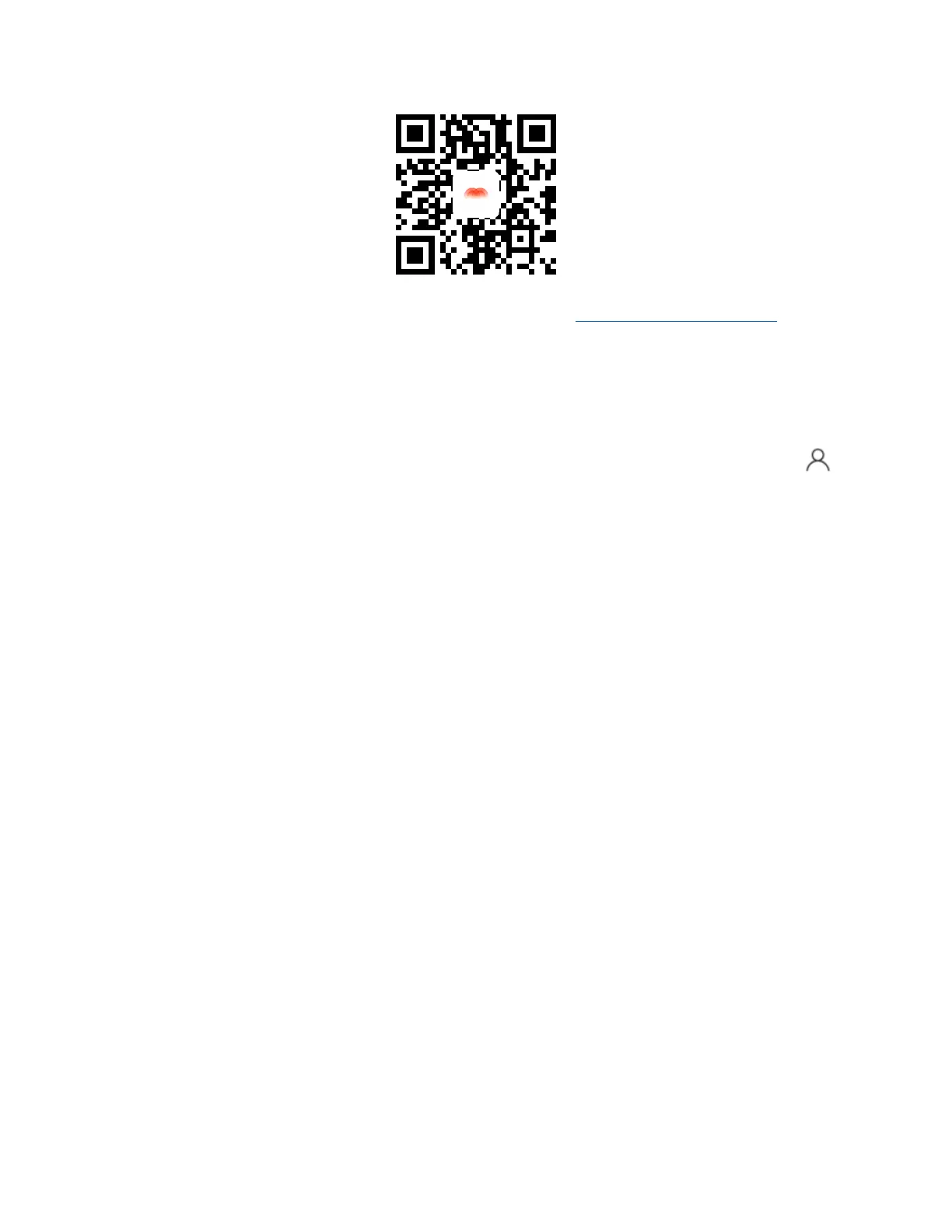
b. Web Portal: You can access your Mercku Portal at: http://mywifi.mercku.tech
Please ensure that you are connected to your Mercku network before accessing the
Mercku App and Portal.
4. How do I know which Mercku App version I am using?
To check the version your application is on, please open your Mercku App > Select
> Select About
Please ensure you have your Mercku App upgraded to the latest version to have the
best experience with our products!
5. What are my options for registering an account?
You can register using any of the following:
• Phone number
• Google account
• Facebook account
6. What is the difference between my Wi-Fi password and router admin
password?
The Wi-Fi password is used to access your Mercku network when you want to connect
to the internet, and your router admin password is used to access the Mercku App and
web interface so you can manage your system.
By default, the admin password is the same as your Wi-Fi password unless you set it up
otherwise during installation.
7. What are the password requirements when setting up my account?
Please make sure the password you have created has met the following conditions:
• The password length must be between 6-24 characters
• You can enter numbers, letters, or special characters such as"!"#$%&'()*+,-
./:;<=>?@[\]^_`{|}~"


 To Next Page