5
Chapter 2: Motherboard Installation
Chapter 2 Motherboard Installation
To install this motherboard in a system, please follow these instructions in this
chapter:
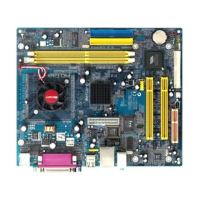
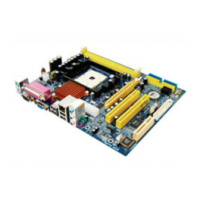
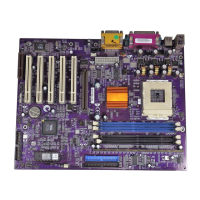
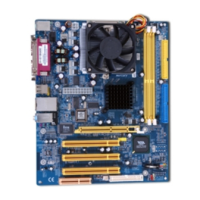
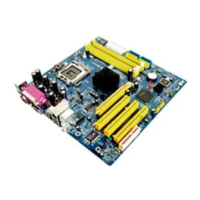
Identify the motherboard components
Install a CPU
Install one or more system memory modules
Make sure all jumpers and switches are set correctly
Install this motherboard in a system chassis (case)
Connect any extension brackets or cables to headers/connectors on the
motherboard
Install peripheral devices and make the appropriate connections to
headers/connectors on the motherboard
Note:
1 Before installing this motherboard, make sure jumper JP1 is under
Normal setting. See this chapter for information about locating JP1 and
the setting options.
2 Never connect power to the system during installation; otherwise, it
may damage the motherboard.


 To Next Page
 Loading...