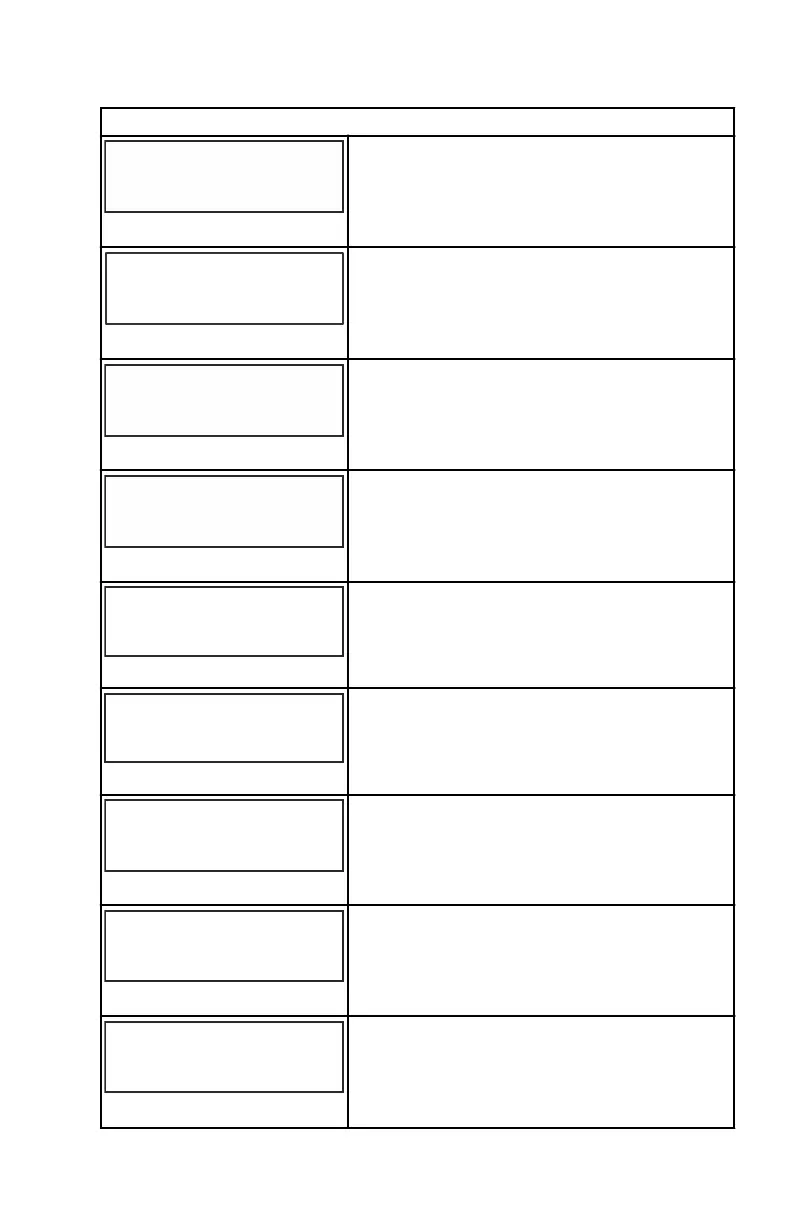
CALIBRATION
TRIM CALIBRATION
CALIBRATION
[SKIP] [EDIT]
52661
Select "EDIT" to calibrate the gauge to the
standard 0–10° unit trim and 11–25° trailer
position scale. Select "SKIP" to advance to the
next selection.
TRIM FULL DOWN
CALIBRATION
THEN PRESS PLUS BUTTON
[DFLT]
[SKIP] [SAVE]
52662
Trim the system to the full down position, then
press the "+" button to save the setting.
TRIM FULL UP
CALIBRATION
THEN PRESS PLUS BUTTON
[DFLT]
[SKIP] [SAVE]
52663
Trim the system to the full up position, then
press the "+" button to save the setting.
TRIM TO TRAILER POINT
CALIBRATION
THEN PRESS PLUS BUTTON
[DFLT]
[SKIP] [SAVE]
52664
Trim the system to the trailer point, then press
the "+" button to save the setting.
( EDIT )
67161
CALIBRATION
ACT. TRIM MAJOR PROFILE
( SKIP )
Select "EDIT" to select an active trim major
profile. Select "SKIP" to advance to the next
selection.
( UP )
67162
CALIBRATION
ACT. TRIM MAJOR PROFILE
1
( SAVE )
Select an active trim major profile. Select
"SAVE" to save the selection.
SPEED OPTIONS
CALIBRATION
[SKIP] [EDIT]
52665
This section configures the following speed
sensors. Select "EDIT" to calibrate the
sensors. Select "SKIP" to proceed to the depth
sensor screen.
PITOT SENSOR
100 PSI TYPE
CALIBRATION
[ NO ]
[SAVE] [YES ]
52671
Select pitot transducer type. Choose between
100 or 200 psi. (100 psi is the most common.)
PITOT SENSOR
CALIBRATION
[DOWN]
[SAVE] [ UP ]
MULTIPLIER = 1.00
52672
Adjust the pitot pressure sensor to correct
display readings that are too high/low. Press
"–" or "+" to calibrate the pitot sensor multiplier
"DOWN" or "UP."
SC 1000 TACHOMETER
eng 23


 To Next Page
 Loading...