SCREENS
( NO )
(SAVE)
( YES )
23544
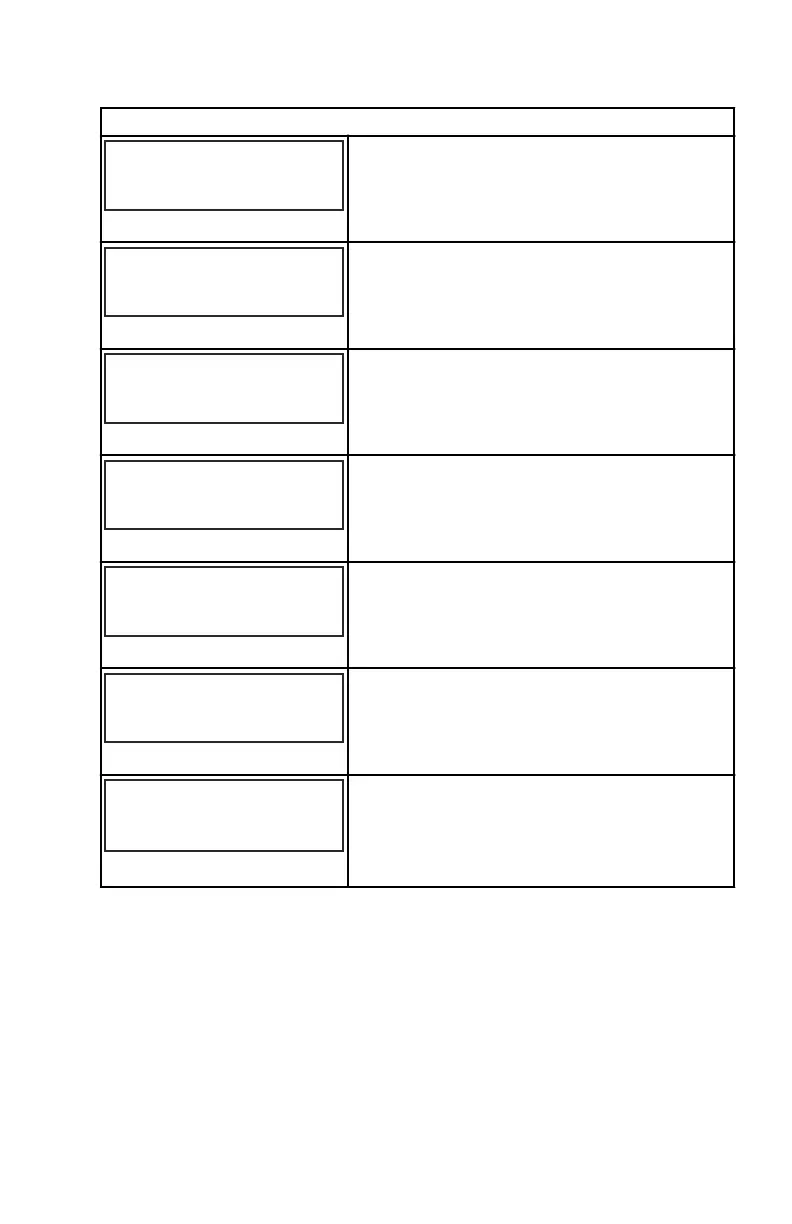
FUEL USED SCREEN ?
The fuel used screen is displayed "YES" for on
or "NO" for off.
( NO )
(SAVE)
( YES )
23545
TRIP SCREEN
YES
The trip screen is displayed "YES" for on or
"NO" for off.
( NO )
(SAVE)
( YES )
23546
FUEL MGMNT SCREEN
YES
The fuel management screen is displayed
"YES" for on or "NO" for off.
( NO )
(SAVE)
( YES )
67237
FUEL SCREEN ?
The fuel screen is displayed "YES" for on or
"NO" for off.
( NO )
(SAVE)
( YES )
46442
TABS SCREEN ?
YES
The tabs screen is displayed "YES" for on or
"NO" for off.
( OFF )
(NEXT)
( ON )
67238
ACTIVE TRIM SCREEN ?
ON
Active Trim is "ON" or "OFF."
[ NO ]
[ YES ] [CAL ]
SCREENS
EXIT ?
52646
Select "NO" to go through the screen selection
again, "YES" to exit the screens, or "CAL" to
go to the calibration screens.
Speedometer Settings ‑ CALIBRATION
1. Press the "MODE/SELECT" and "+" buttons simultaneously for
approximately six seconds or until the "CALIBRATION" screen appears.
2. Press the "+" or "–" to change the settings.
SC 1000 SPEEDOMETER
eng 31


 To Next Page
 Loading...