22
Chapter 5 Manage the Extender
Chapter 5 Manage the Extender
This chapter presents how to manage and maintain your extender.
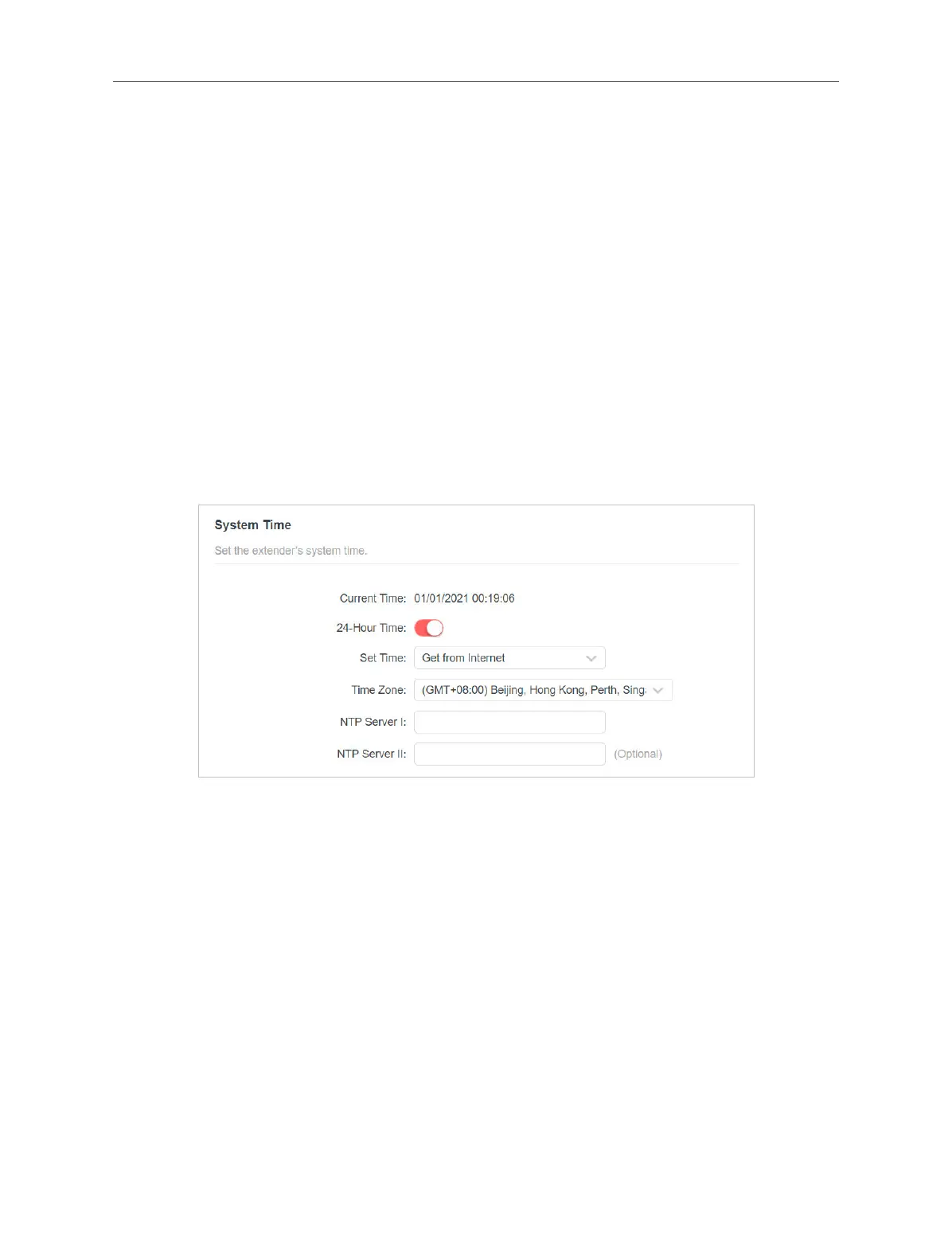
5.1 Set System Time
The System Time of the extender will be used for time-based function such as the
Power Schedule function. If you have enabled the Daylight Saving Time feature, the
system time will be synchronized with the daylight saving time you congure.
1. Visit http://mwlogin.net, and log in with the password you set for the extender.
2. Go to Settings > System Tools > Time Settings.
• To get system time:
1. Select your local Time Zone from the drop-down list.
2. Click SAVE.
• To set up Daylight Saving Time:
1. Enable Daylight Saving Time.



 To Next Page