63
Chapter 5
Congure the Router in Access Point Mode
4. Use the new password for future logins.
5. 4. 2. Local Management
1. Visit http://mwlogin.net, and log in with the password you set for the router.
2. Go to System > Administration, and focus on the Local Management section.
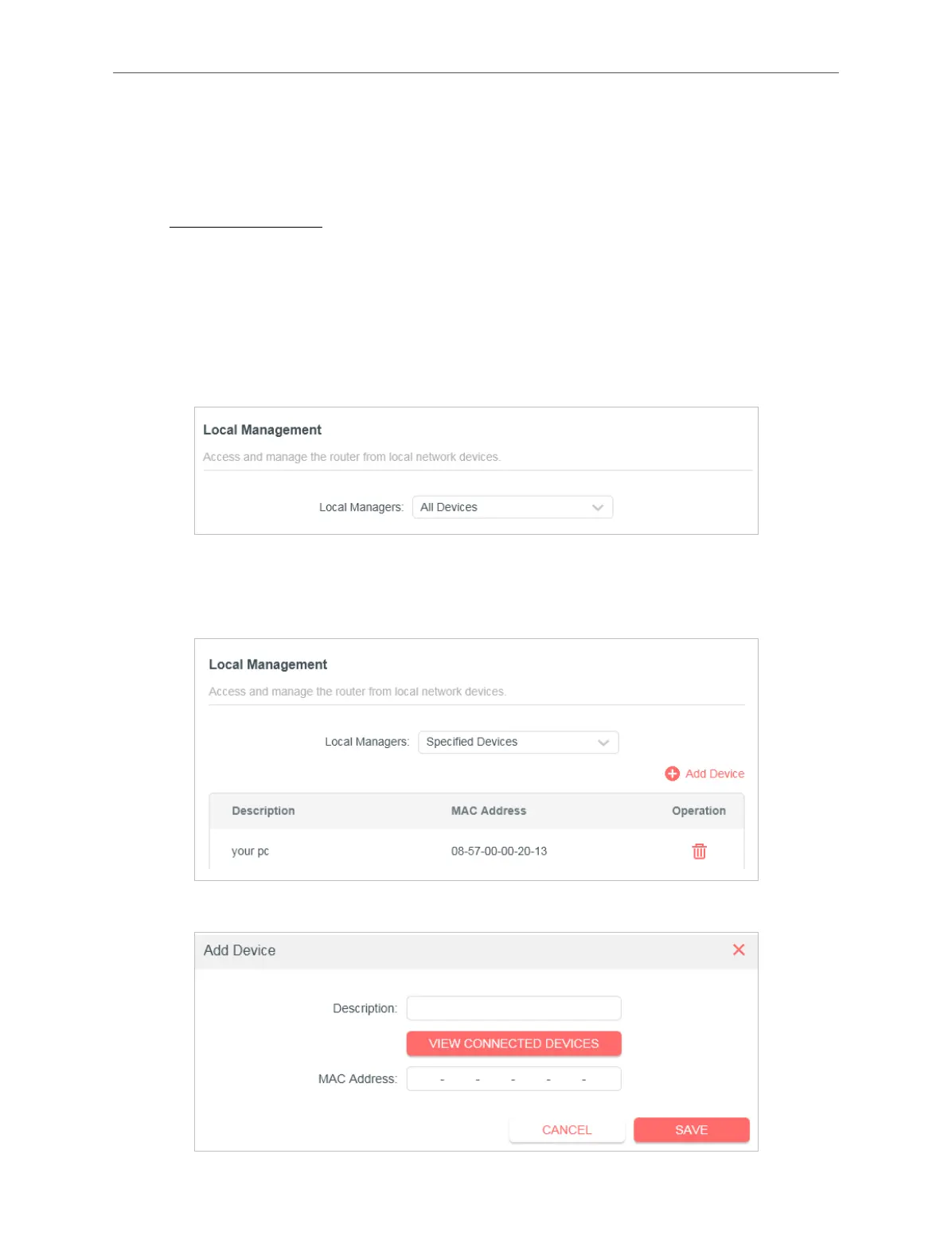
• Allow all LAN connected devices to manage the router:
Select All Devices for Local Managers.
• Allow specific devices to manage the router:
1. Select Specified Devices for Local Managers and click SAVE.
2. Click Add Device.



 To Next Page