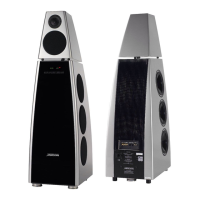
Setting up the DSP33 Digital Loudspeaker System
13
Back panel
Connecting the loudspeakers
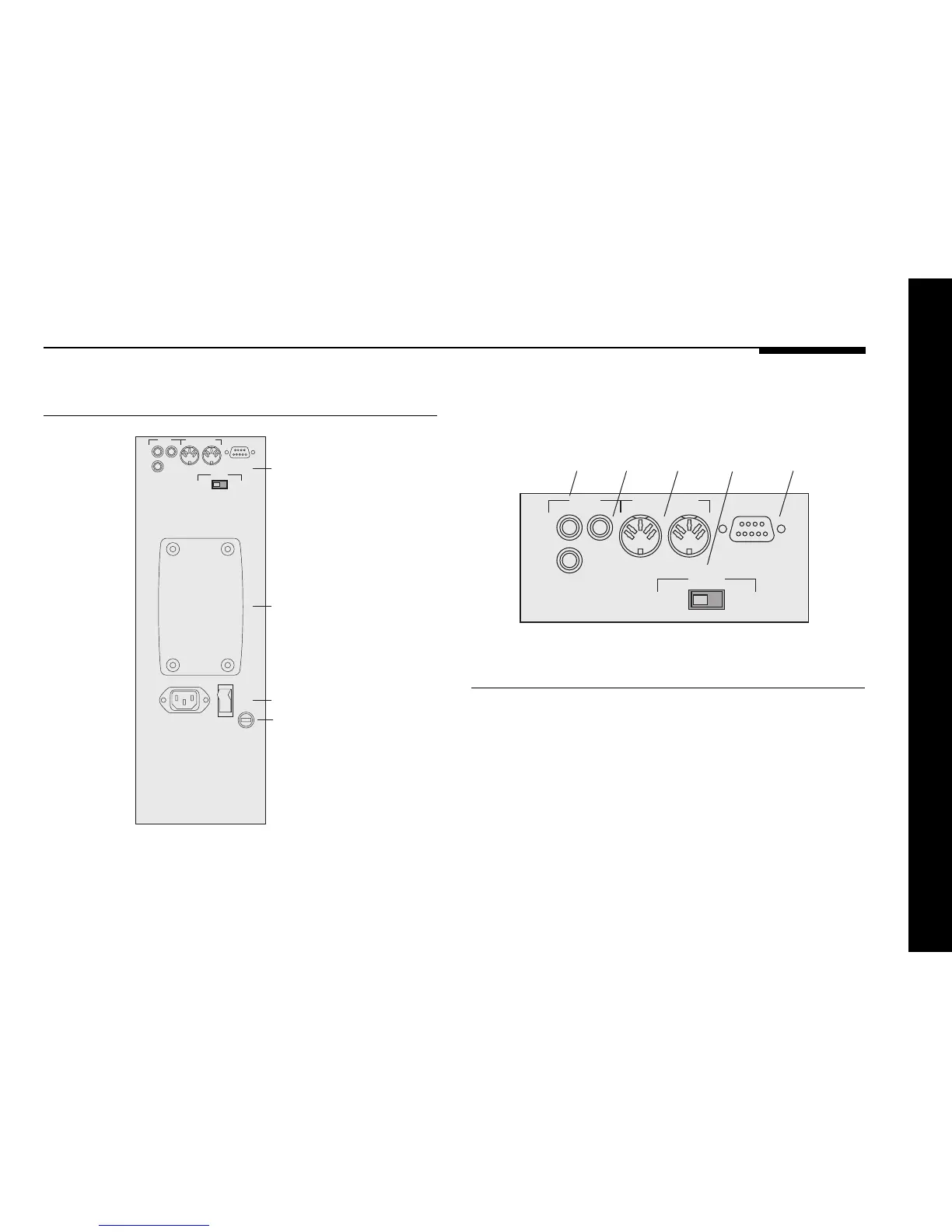
The following diagram gives details of the rear panel
connections:
MERIDIAN COMMS
RS232
OUTPUT INPUT
DIGITAL
OUTPUTINPUT
2
1
CHANNEL
LEFT/
CENTRE
RIGHT
Comms
Channel
selection
Digital
inputs
Digital
output
PC
To reset the configuration of the
digital loudspeaker
The following procedure can be used to reset the configuration
of the DSP33 loudspeaker to the default settings, without
needing a computer, using the R reset plug supplied.
● Unplug the COMMS connections.
● Plug the R reset plug into the COMMS input socket.
● Switch the loudspeaker off, and then on again.
● Replace the original COMMS connection.
MERIDIAN COMMS
RS232
OFF
ON
OUTPUT INPUT
DIGITAL
OUTPUTINPUT
2
1
CHANNEL
LEFT/
CENTRE
RIGHT
Connections
Omnimount
wall bracket
fixing holes
Power input
Fuse



 To Next Page