13
Subtitle
Off
EnterReturn
Function 0Title
Chapter
Record
Slow
OSD
T
Angle Audio A-B Phase
Setup
Band
789
456
123
Menu Volume
Display
Mute
Preset
Clear
Store
Repeat
CD RADIO LP TV TAPE 1 TAPE 2 CDR CABLE
DVD
VCR 1 VCR 2 LD
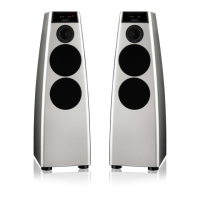
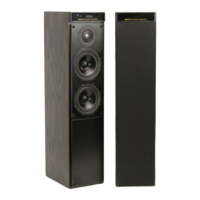
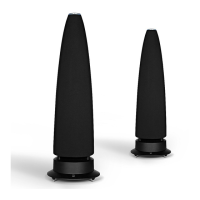
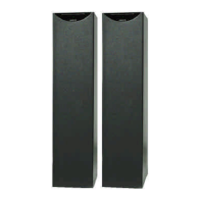
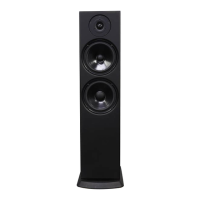
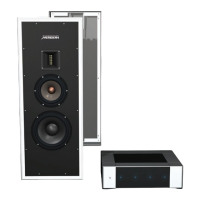
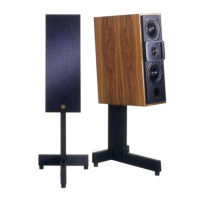
Setting up the DSP loudspeakers
This chapter explains how to install your DSP loudspeakers. It
describes what you should find when you unpack the speakers, how
you should connect them to your other audio equipment, and the
siting constraints.



 To Next Page