25
USING THE DSP
LOUDSPEAKERS
Changing the display
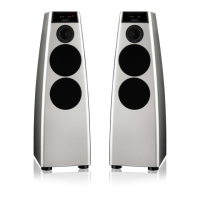
The DSP loudspeakers display information about the current settings on the
8-character front-panel display.
In addition, three coloured indicators show status information.
To change the displayed information
• Press Display.
Pressing Display steps between the following options:
Display option Example
Source and volume
Radio 65
Meridian source display
(dashes if not present)
----
Audio format
PCM 96k
Blank
The audio format display shows PCM, Data, or MHR followed by the
frequency, or NL (not locked).
Status indicators
The display includes the following status indicators:
Indicator Description
Red Master loudspeaker.
Yellow 88kHz or 96kHz input.
Green Clipping; see Troubleshooting, page 38.
.



 To Next Page