7
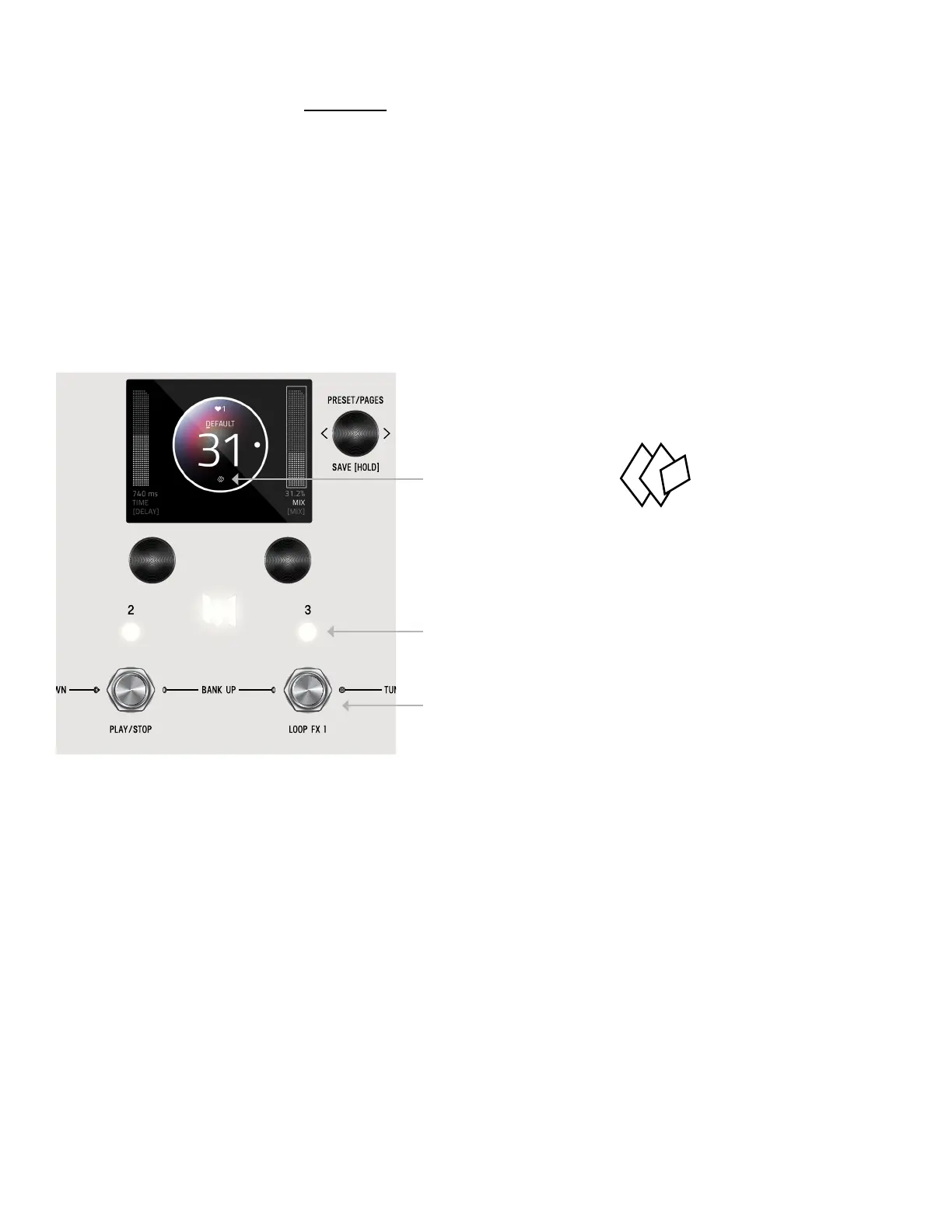
Any time edits are made, the “edited”
icon appears below the preset bubble.
For QUICK SAVE, hold the active/live LED button
Or hold active foot switch (below lit LED)
Hold down C3 knob again to save. Or QUICK SAVE.
To CANCEL a save, press any of the four footswitches. This will exit the SAVE AS PAGE without writing over your preset. If you
cancel, no edits are saved.
To QUICK SAVE without changing the name or favorite status, hold the active/lit LED button or foot switch directly below. The
completed save will return you to the PRESET PAGE and you’ll notice the “edited” glyph will have been removed.
SAVE PRESET OR CANCEL
QUICK SAVE


 To Next Page