8
05
- FAVORITES BANK
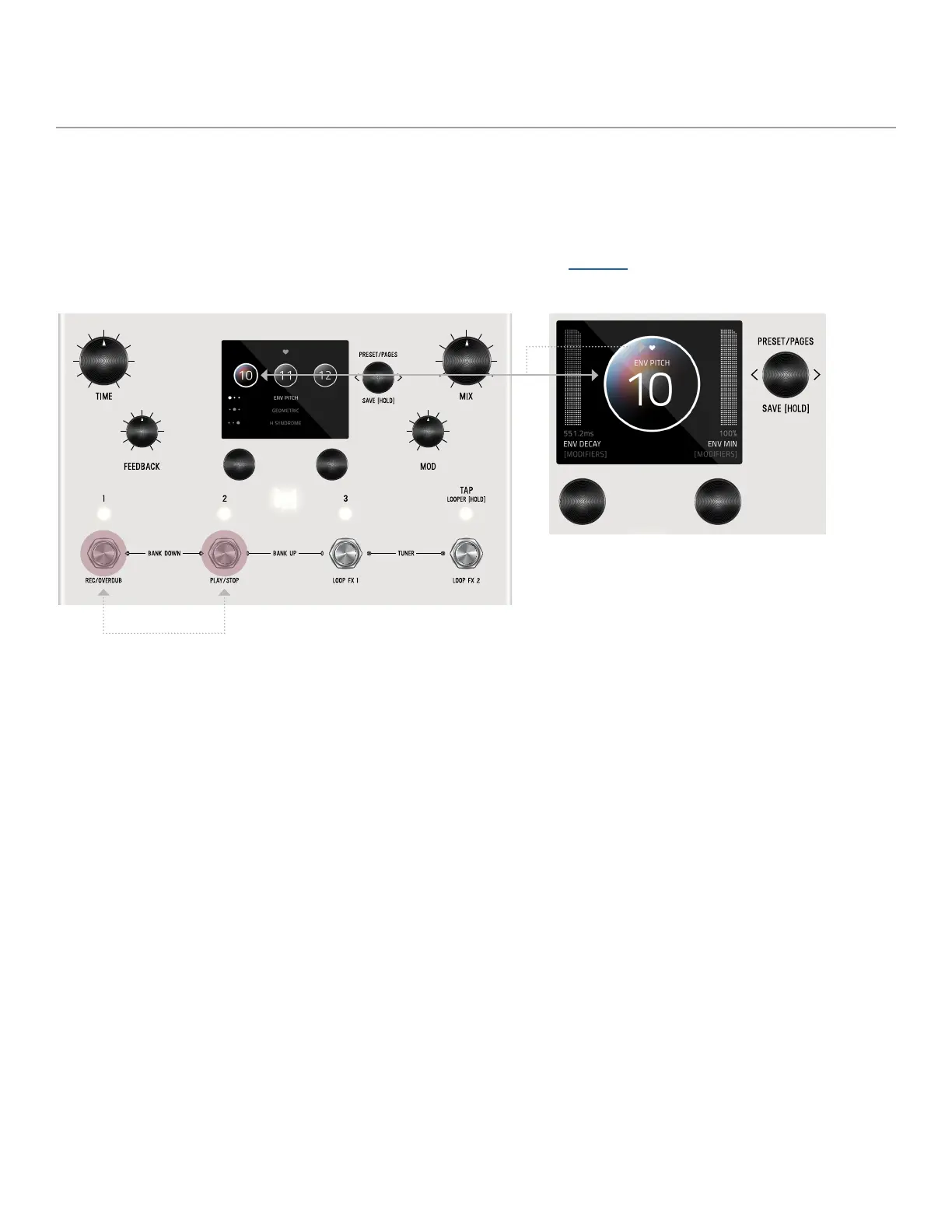
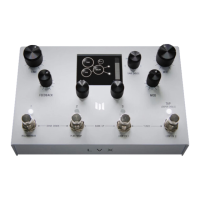
We created what we call the FAVORITES bank. The purpose of the FAVORITES BANK is to have a shortcut access to your top 3
favorite presets without the need navigate thru banks. The FAVORITES bank is located before bank 1. To jump to the
FAVORITES bank, HOLD 1 + 2 footswitches. While the Favorites Bank is highlighted in the screen, use the 3 footswitches to
choose which favorite preset to jump to. To bank up, PRESS 2 + 3 at the same time. To bank down, PRESS 1 + 2 at the same
time. A total of 3 presets can be assigned to your FAVORITE BANK within the SAVE AS page.
HOLD 1 + 2 footswitches to jump to FAVORITES bank.
Any preset that is favorited, includes a heart in the
preset bubble.


 To Next Page