Installing the Access Points
© 2010 Meru Networks, Inc. Installing AP200 61
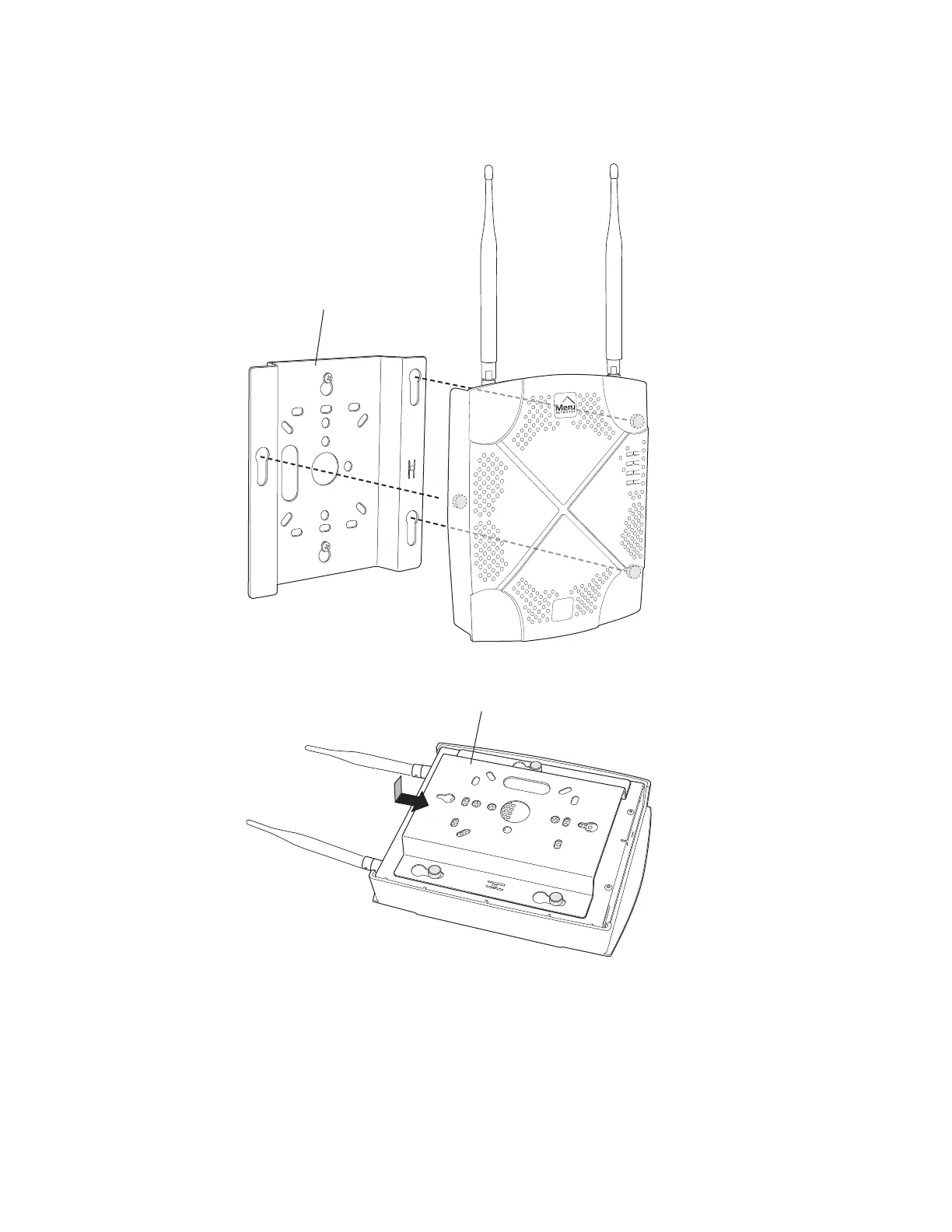
Figure 19: Aligning the AP200 with the Bracket
Figure 20: Sliding the AP200 into the Bracket
8. For external antennas, loosen the knurled ring at the base of each antenna (see
Figure 16), point the antenna straight up, then retighten the ring.
9. Connect one end of the PoE 100BaseT Ethernet cable to the 100/1000 Ethernet
connector, shown in Figure 17.
00115
Mounting bracket attached to wall
AP200
00112


 To Next Page
 Loading...