Installing the Access Points
© 2010 Meru Networks, Inc. Installing AP150 81
9. For external antennas, loosen the knurled ring at the base of each antenna (see
Figure 28), point the antenna straight up, then retighten the ring.
10. Connect one end of the PoE 100BaseT Ethernet cable to the 100/1000 Ethernet
connector, shown in Figure 29.
Mounting Below a Suspended Ceiling
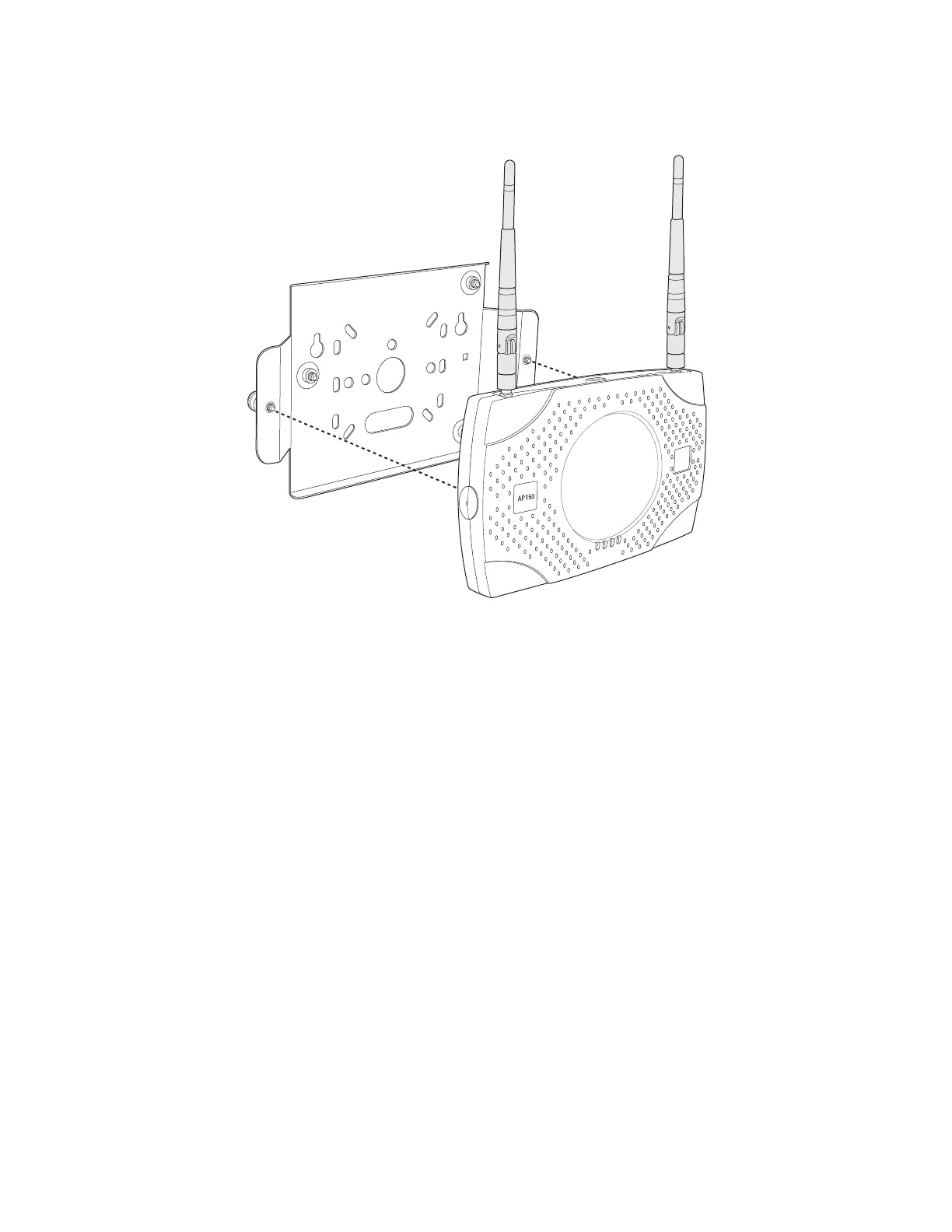
The optional suspended ceiling mounting kit allows the AP150 mounting bracket to
attach to suspended ceiling T-rails (see Figure 32).
00169



 To Next Page
 Loading...