27
ELECTRONIC KEYS (OPT)
In order to facilitate the user during an emergency situation or have the ability to deactivate the alarm, it is necessary to
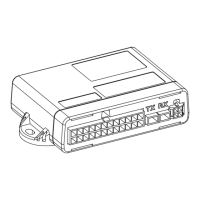
combine the electronic key reader Code ABS0499 with META EVOCAN.
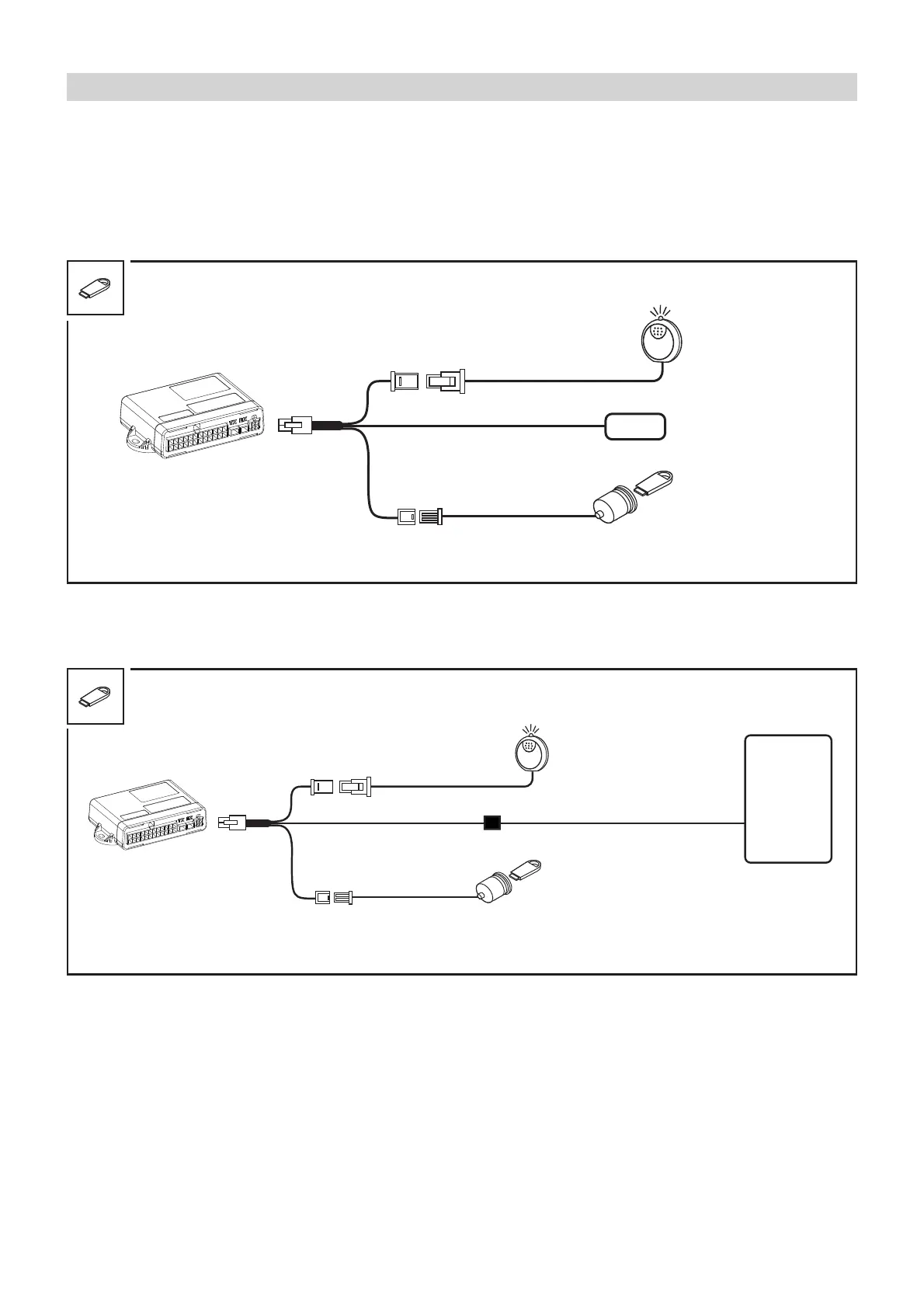
The kit consists of a reader (receptacle), a Y-harness and two electronic keys.
The keys are supplied blank and must necessarily be programmed once META EVOCAN has been installed.
Fig. 30
INSTALLATION DIAGRAM FOR THE FOLLOWING OPERATIVE CONFIGURATIONS
REMOTE CONTROL/CAN BUS CONNECTION/STAND ALONE ID-TAG
BSI
VSM
Fig. 31
INSTALLATION DIAGRAM FOR THE LIN BUS CONFIGURATION
LIN BUS CONNECTION
WINDOW LED
ANTENNA
KEY READER
+ 1 ELECTRONIC KEY
GREY
WINDOW LED
WHITE/BLACK
KEY READER
+ 1 ELECTRONIC KEY
GREY
To pair the ELECTRONIC KEYS use the PRG007 Programmer steps 18 and 19.
Once the META EVOCAN central unit has been prepared for learning the ELECTRONIC KEYS, power it and following the
recognition of the siren signaled with a BOOP (only for M03 or M06) the LED ashes quickly to indicate that it is possible
to pair the ELECTRONIC KEYS (Max. 4 keys).
Once pairing is complete, you can exit the procedure by waiting 1 minute or by activating and deactivating the vehicle’s
instrument panel.


 To Next Page