1.800.221.0932
|
MetraOnline.com
2
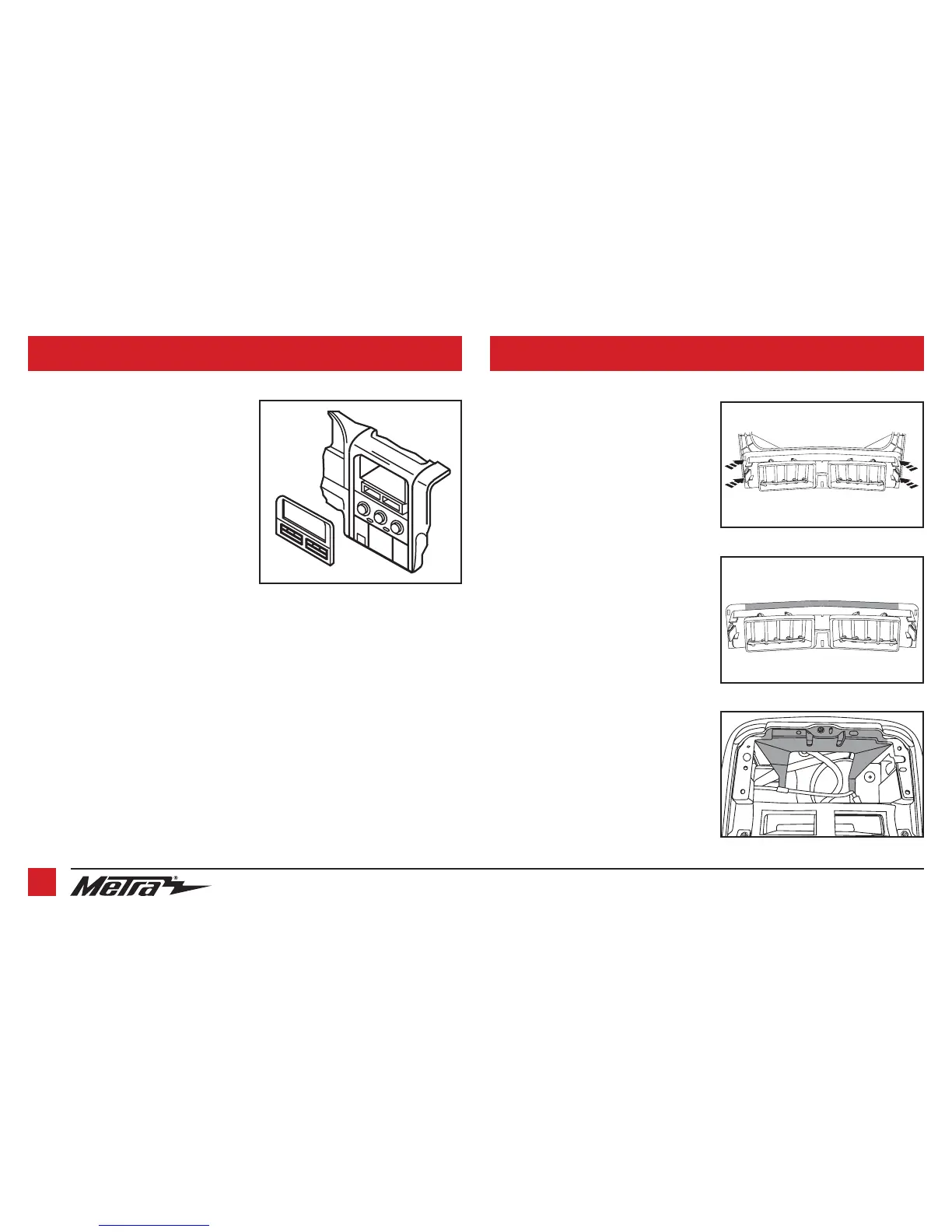
1. Unclip and remove the radio trim panel.
(Figure A)
2.
Remove (4) Phillips screws securing the
radio, then unplug and remove the radio
.
Continue to Kit Preparation
1.
Carefully grind or cut away the (4) plastic
welded tabs securing the a/c vents to the
radio trim panel, then remove the vents.
(Figure A)
2.
Trim the top of the a/c vents. (Figure B)
3.
Attach the a/c vents to the radio trim
panel, then secure them by either gluing
them, or plastic welding them in place.
Note:
Once the radio trim panel is
secured to the vehicle, this will also hold
the vents in place.
4.
Attach the (2)
panel clips
provided onto
the
radio trim panel
.
5.
Cut the sub-dash to allow room for the
radio assembly. (Figure C)
Continue to Kit Assembly
(Figure A)
DASH DISASSEMBLY KIT PREPARATION
(Figure A)
(Figure B)
(Figure C)
Remove shaded area



 To Next Page