REV. 5/25/2018 INST99-3010S
5
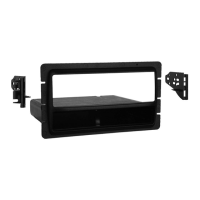
ISO DDIN radio provision
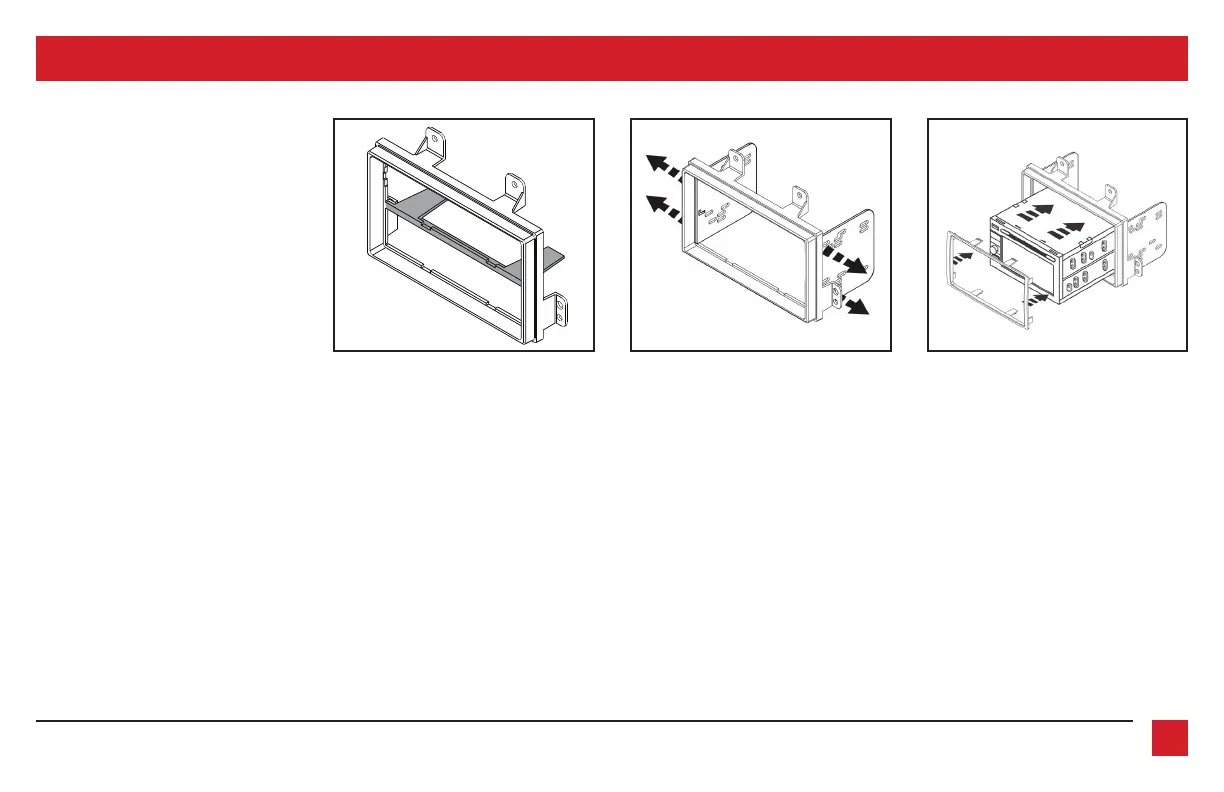
1. Cut and remove the center support.
(Figure A)
2. Snap the
ISO DDIN brackets
to the
inside edge of the
radio housing
.
(Figure B)
3. Slide the radio into the bracket/radio
housing assembly, then secure it using
the screws supplied with the radio.
(Figure C)
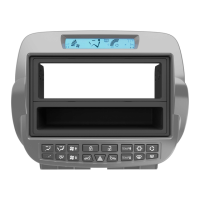
4. Snap the
ISO DDIN trim plate
into the
radio housing
. (Figure C)
Continue to Axxess
Interface Installation.
(Figure C)(Figure A) (Figure B)
KIT ASSEMBLY
Remove shaded area
■



 To Next Page