99-3012G
3
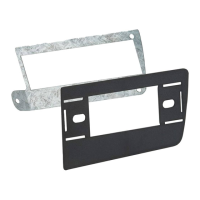
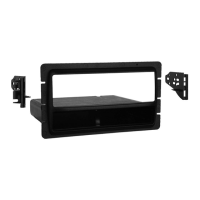
ISO DIN head unit provision with pocket
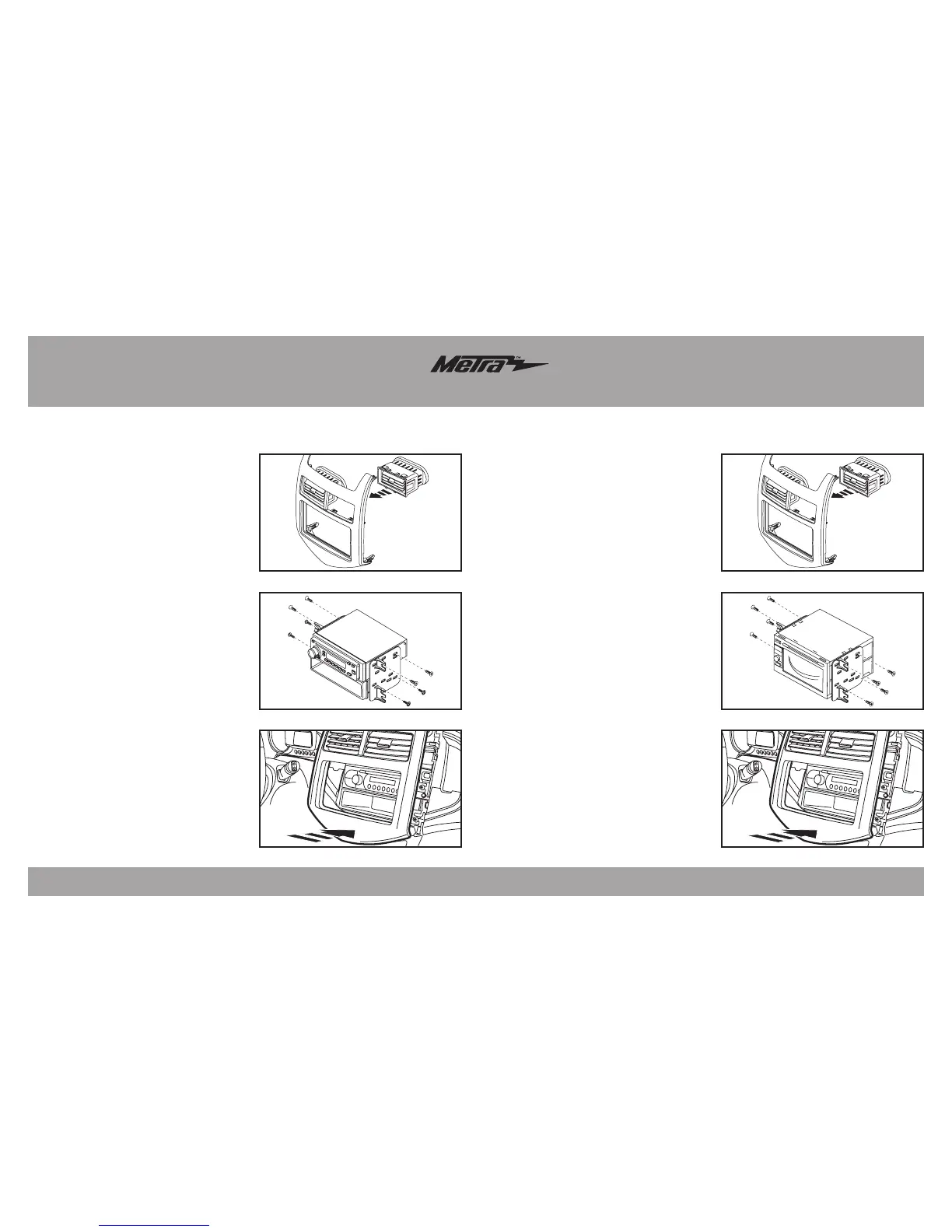
1. Installfactoryventsintothe
radiotrimpanel.(FigureA)
2. Installthefourincludedpanelclips
ontotheappropriatelocationsof
theradiotrimpanel.
3. Mountthepockettotheradio
bracketswiththe(4)#8x3/8”
Phillipsscrewssupplied.(FigureB)
4. Slidetheheadunitintoradio
bracketsandsecurewithscrews
suppliedwiththeradio.(FigureB)
5. Locatethefactorywiringharness
andantennapluginthedash.
Metrarecommendsusingthe
propermatingadaptersfromMetra
and/orAXXESS.Testtheunitfor
operation.
6. Mountthenewradioassemblyinto
thedash,snap-intheradiopanel,
andreassembledashinreverse
orderofdisassembly.(FigureC)
Double DIN head unit provisions
1. Installfactoryventsintothe
radiotrimpanel.(FigureA)
2. Installthefourincludedpanelclips
ontotheappropriatelocationsof
theradiotrimpanel.
3. SlidetheDoubleDINheadunitinto
theradiohousingbracketsand
securewithscrewssuppliedwith
theunit.
(FigureB)
4. Locatethefactorywiringharness
andantennapluginthedash.
Metrarecommendsusingthe
propermatingadaptersfromMetra
and/orAXXESS.Testtheunitfor
operation.
5. Mountthenewradioassemblyinto
thedash,snap-intheradiopanel,
andreassembledashinreverse
order
ofdisassembly.(FigureC)
Kit Assembly
(Figure B)
(Figure C)
(Figure A)
(Figure B)
(Figure C)
(Figure A)



 To Next Page